
10 AI Prompt Templates: Clear Picks for Every Task
You type a short request. The model gives a neat, polished answer that says almost nothing. You rewrite the prompt, add a word, try again, and still get the wrong tone, the wrong length, or facts you can’t use.
Most AI answers are vague because the request is vague. Good AI prompt templates fix the request before you send it. They name the task, the reader, the limits, and the shape of the reply. You fill a few fields. You don’t start from a blank box each time.
That small change matters. A 2025 comparison of structured prompting across models found structured prompting improved evaluation performance by 6% on average and changed model rankings on 5 of 7 benchmarks. Short requests leave the model to guess. Clear sections cut the guesswork.
George Orwell set out this plain rule long before AI, when he published “Politics and the English Language” in 1946 with six rules for clear English, as the record of Orwell’s 1946 essay and its six rules shows. Use short words. Cut needless words. Say what you mean.
The ten picks below follow that test. Each one gives you a reusable shape, quick-fill fields, and notes on the model it suits, across ChatGPT, Claude, Gemini, and more.
Table of Contents
1. Prompt Like A Pro
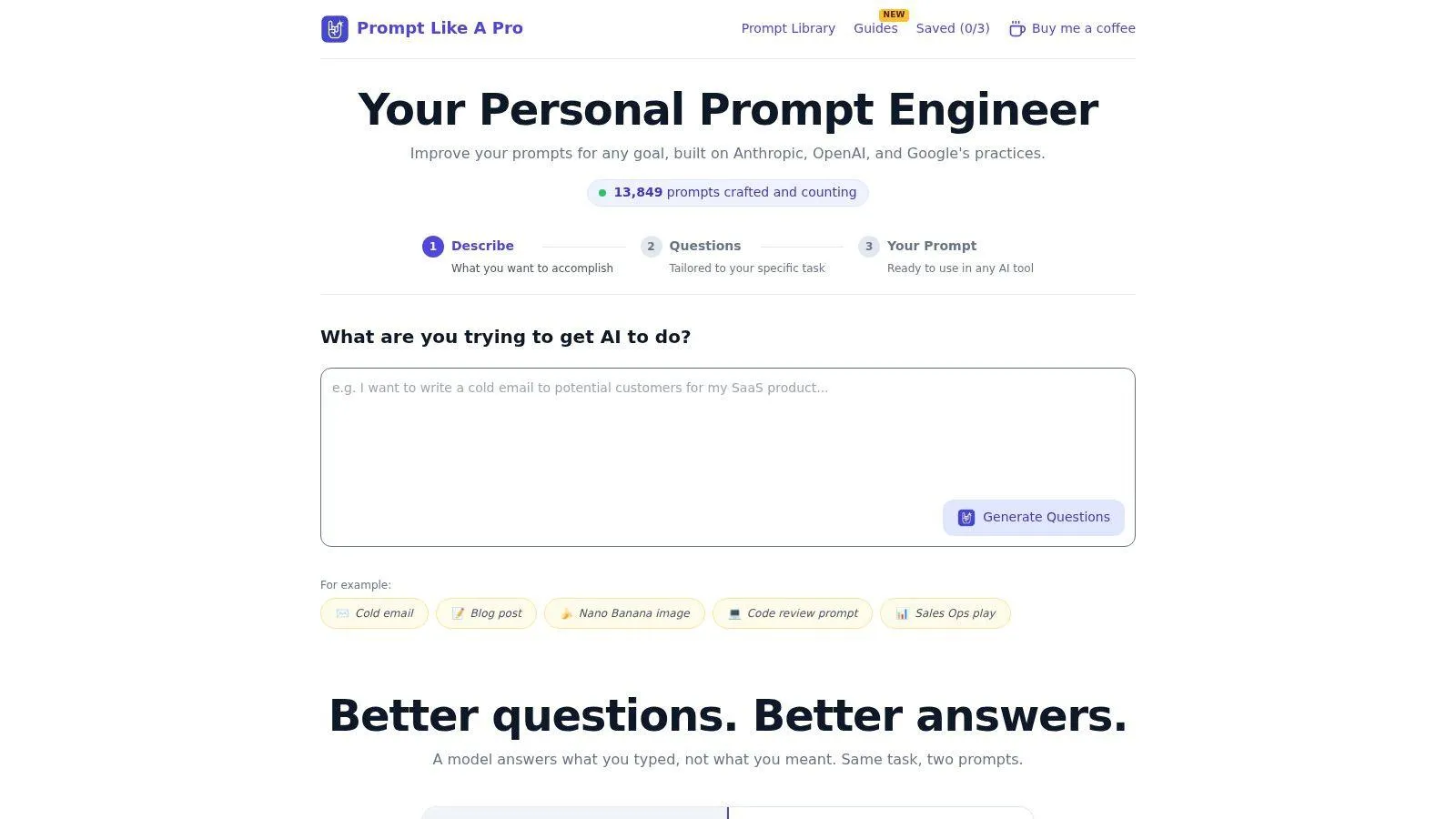
Prompt Like A Pro starts with five to seven task-specific questions about the audience, format, length, and limits. It turns your answers into a structured prompt you can copy into ChatGPT, Claude, Gemini, Midjourney, or another tool. For a product description, for example, you can specify who will read it, the format you need, and what claims to avoid before drafting begins.
The question-first approach can reduce guesswork and repeated edits. The site says the process takes about 30 seconds and draws on documented practices from Anthropic, OpenAI, and Google. Its model-aware output is useful when you want a prompt shaped for a named tool rather than a generic template to adapt yourself.
What You Get and What It Costs
The library contains 223 ready-to-use prompts across 12 categories, including writing, coding, travel, and finance. No account or signup is required. Prompts aren’t stored on its servers, and saved prompts stay in your browser.
- Free core: The generator and library are free and ad-free, with three browser saves free.
- Unlimited saves: A one-time $7 purchase removes the save limit.
- Model-aware output: Choose a tool to get a prompt formatted for it, rather than using one version everywhere.
There are trade-offs. A daily per-visitor usage limit can restrict heavy use. The tool helps shape a request, but it cannot guarantee a correct answer. Check the model’s output before using it, especially for work where accuracy matters. The project is independent and says it has been featured on 16 directories; it lists no awards or customer testimonials.
Practical rule: Answer each question in plain words. Name your reader and intended use before you generate the prompt.
Clear inputs matter after the prompt is generated, too. In a clinical messaging study in the Journal of the American Medical Informatics Association, iterative prompt refinement raised physician acceptance from 62% to 84% after three refinement rounds on a validation set of 200 cases. Capture the need first, then draft and review the result.
2. AIPRM
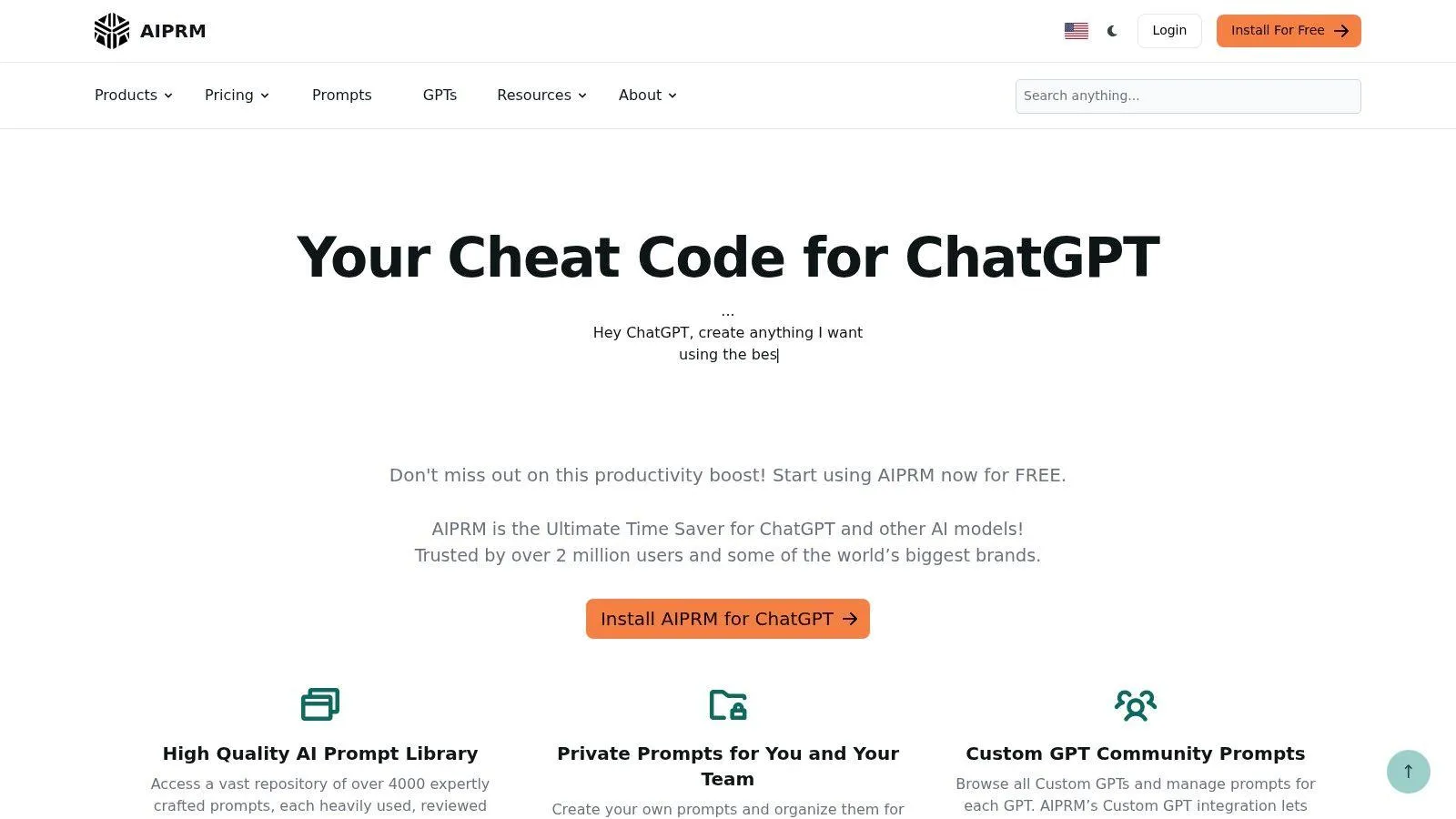
AIPRM suits people who live in ChatGPT for marketing, SEO, sales, and business work. It’s a searchable prompt library plus a browser extension. You find a template, fill its variables, and run it inside your chat flow.
The variables make the difference. A static example works once. A template with fields for product, audience, and tone works next week too. Paid plans add private prompts and lists, which helps repeat users and small teams keep their best prompts in one place.
Where It Fits and Where It Does Not
- Large work catalog: Filters and model tags help you narrow a long list fast.
- Reusable fields: Fill-in variables beat copy and hope.
- Private lists: Paid tiers let you keep your own prompts apart from the public pool.
The limits are real. Many features need an account, the extension, or a paid plan. It fits supported chat workflows best. It isn’t a copy-anywhere library for every model. Community templates also vary in quality, so read one before you trust it with client work.
Use AIPRM if you do the same ChatGPT tasks each week and want them one click away. Skip it if you switch models a lot or dislike extensions. Test any public template on a low-risk task first, cut the parts that add no meaning, and save your own clean version.
3. PromptBase
PromptBase is a market, not a library you browse for free. Sellers list prompts for text and image models. You buy the one you need. Creators can sell their own prompts there too.
That model helps when you want a narrow result. You need a set style for product shots, or a prompt shaped for one hard task. Browsing listings and seller profiles can beat starting from zero. Category and model labels help you cut the search down.
Buy With Care
- Niche choice: Listings cover creative, work, and marketing jobs that free lists often miss.
- Model match: Prompts tie to a model or output type, so check that match first.
- One-off buys: Paying for one prompt can make sense if the job is worth it.
Quality varies by seller. A sharp title doesn’t prove a sharp prompt. Costs also add up if you buy often and still edit each prompt for your own model, reader, and end use.
Treat a bought prompt as a draft, not a law. Strip proud words. Keep the parts that name subject, style, and output. Then test it twice with your own input. If you must rewrite most of it to make it work, you paid for an idea, not a tool. For repeat daily work, a free template you control often serves you better.
4. FlowGPT
FlowGPT works best as a place to explore. Its community catalog spans study, code, business, marketing, image work, and role-play. It also offers AI characters and chat experiences, not just task prompts.
That breadth helps when you don’t yet know what shape your task needs. Search a topic. Read three or four takes. Steal the clear parts and build your own short template. Topic groups make that first scan fast.
Discovery With a Filter
- Broad catalog: Good for ideas across work and play.
- Character prompts: Useful if you want to test voice and role, not just facts.
- Paid tiers: Membership adds platform perks, so weigh them against your real use.
Keep your guard up. Community posts vary in quality and truth. Some parts of the site lean to role-play and fun, which is fine until you need a clean work output. A prompt that begs the model to act as a wild character may wreck a plain report.
Use FlowGPT to find raw material. Then do the Orwell pass. Cut worn phrases, swap long words for short ones, and state the output shape in one line. If a prompt can’t survive that cut, it wasn’t clear to begin with. Save your cleaned version outside the site so you can reuse it in the model you trust.
5. Snack Prompt
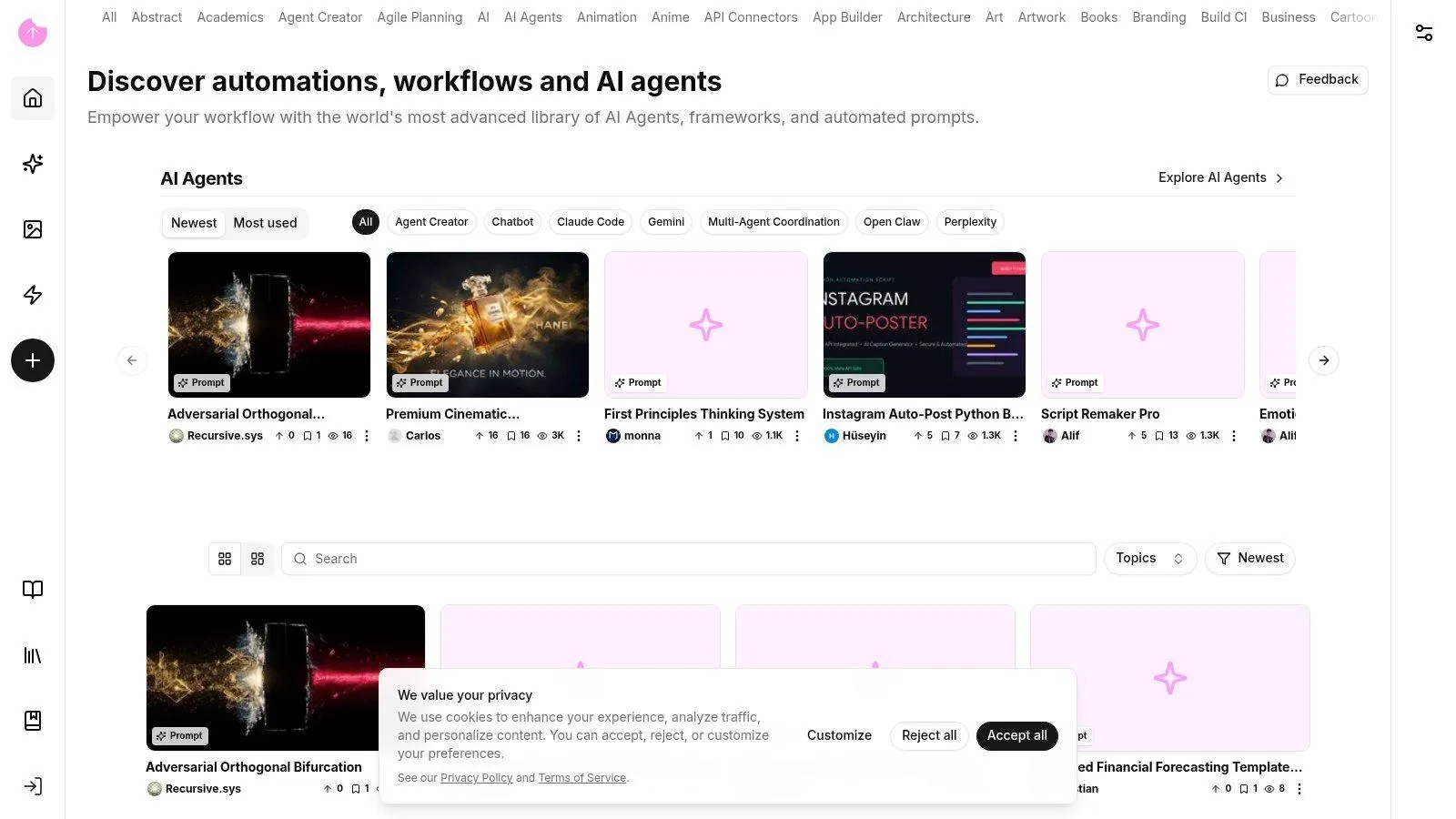
Snack Prompt treats prompts as parts of a workflow, not just lines of text. You can browse public prompts by use case, copy them, or run them. It also lists agents and workflow resources for marketing, development, and copywriting.
That suits users who think in steps. You don’t just want one reply. You want research, then a draft, then a check. Some prompts include fill-in fields, so you can keep the structure and swap the topic.
Strong for Builders
- Copy or run: You can take the text away or test it in place.
- Workflow bent: Agents and longer flows sit next to simple templates.
- Mixed audience: Writers, developers, and automation users all find material here.
The cost is setup and review. Some tools and links need more work than a plain copy and paste list. Community content can be sloppy, dated, or built for a job unlike yours. The catalog also isn’t limited to general text templates, so you’ll sort past items you don’t need.
Start small. Pick one prompt with clear fields. Run it on a task you can judge with ease. Note what field changed the result. Drop the rest. A short template you understand beats a clever workflow you can’t fix when it breaks.
6. Anthropic Claude Prompting Guidance
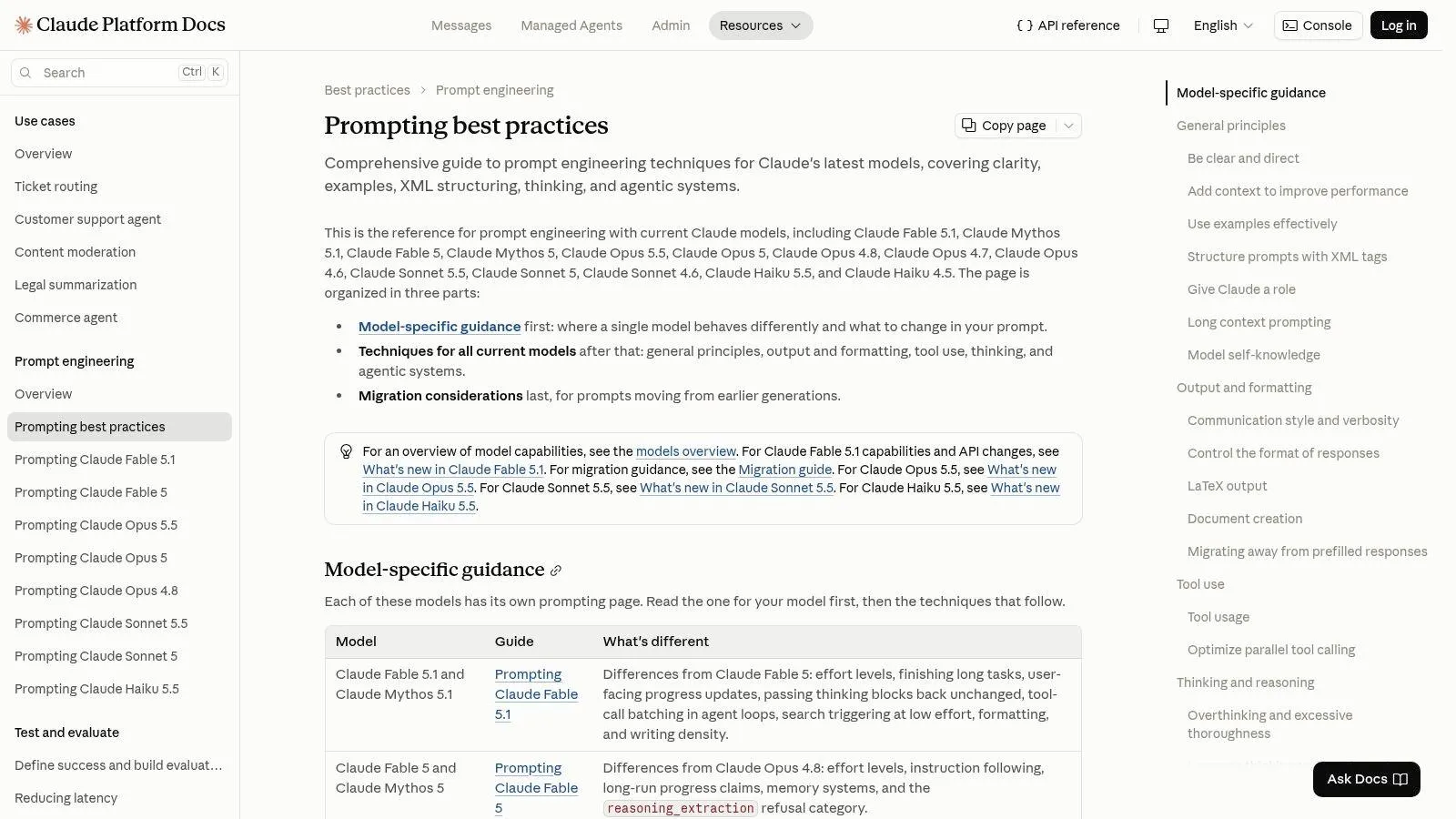
Anthropic’s official Claude prompt templates and variables guidance teaches you how to build a template, not just borrow one. It covers context, examples, clear output needs, variables, and XML tags to mark each part.
That last point matters for Claude. Tags let you split task, source text, and rules so the model doesn’t blur them. For long or multi-step work, clean parts beat one long block of prose.
Learn the Why
The roots go back to GPT-3 in 2020, a 175-billion-parameter model that could do new tasks from instructions and examples in the prompt, without retraining, as set out in Microsoft Research material on in-context learning and GPT-3. Zero-shot means no example. Few-shot means a few. Anthropic’s guide turns that old idea into daily practice.
- Model-specific: You get advice from Claude’s maker, not a guess.
- Reasoned: It tells you why structure works, so you can adapt it.
- Technical depth: Strong for repeat, complex tasks.
It isn’t a big ready-to-run library for daily jobs. Some pages speak to developers more than casual users. And a Claude-shaped prompt may need changes for other models. If you want paired examples, see this guide to Claude AI prompts with practical examples. Read Anthropic to learn the craft. Then build three templates you own.
7. Google Gemini Prompt Gallery
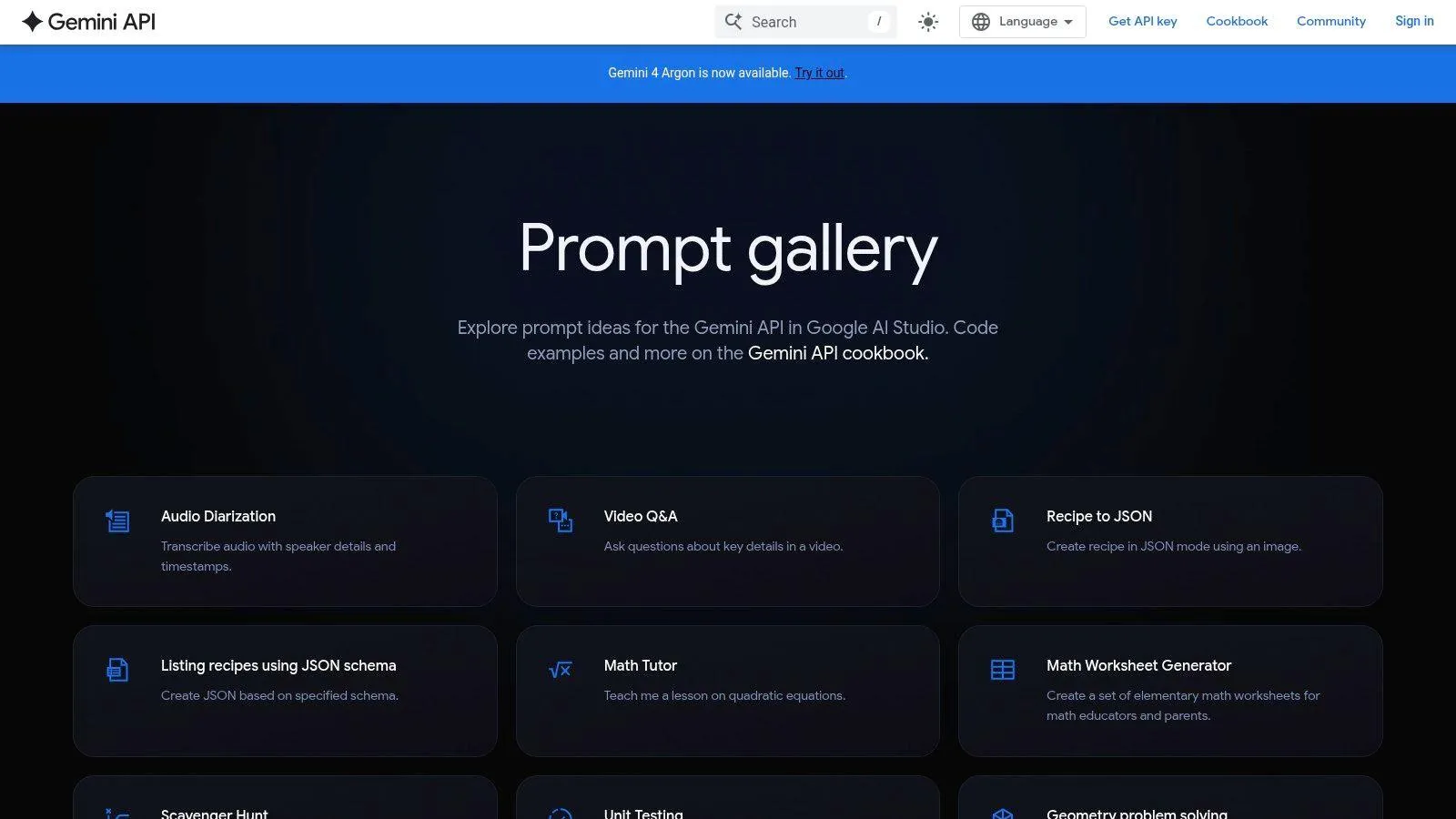
Google’s Gemini prompt gallery for the Gemini API gives you official examples for Gemini and Google AI Studio. It’s a good first stop if you already test ideas in AI Studio or build with the API.
The value is fit. You see prompts in the place where you’ll run them, next to Google’s own developer docs. That cuts the gap between reading an example and trying it with your own text, file, or image.
Best Inside Google’s Tools
- Official source: Examples come from Google and match Gemini workflows.
- Hands-on: AI Studio lets you change a prompt and rerun it at once.
- Developer link: Docs sit close by when an example needs more depth.
It’s not a broad library for every assistant. The tone leans technical, so a teacher or marketer who wants ready copy for daily work may find it thin. Examples also need your own context, limits, and output rules before they’re true templates.
For plain-language starting points you can adapt, this set of Gemini prompt examples for everyday tasks helps bridge the gap. Use Google’s gallery to learn what Gemini handles well. Then lock in your fields for audience, source, and format. Don’t carry an API example into a chat tool and expect the same result with no change.
8. Microsoft Copilot Prompt Gallery
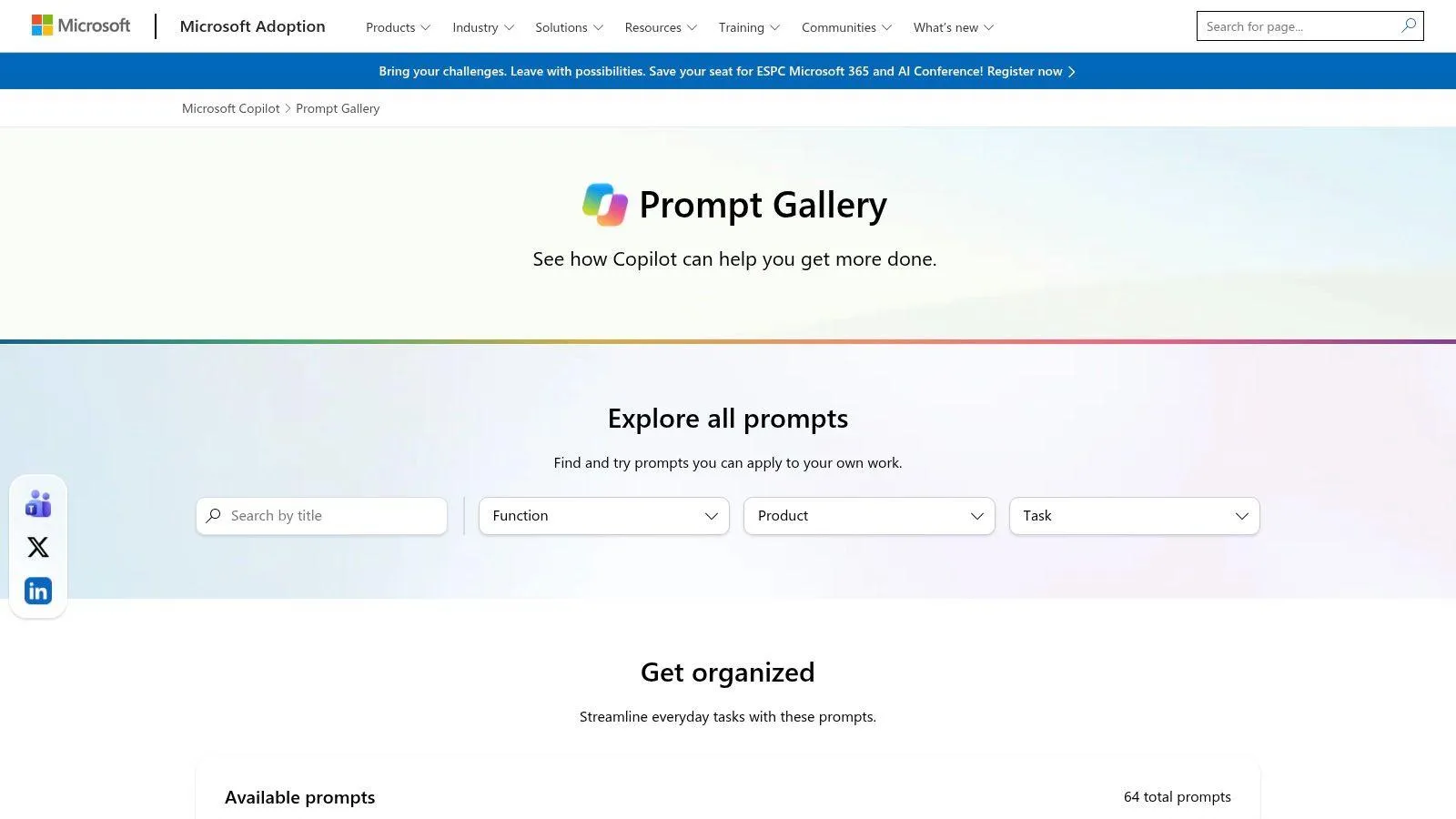
Microsoft’s Copilot Prompt Gallery speaks to office work. Its prompts cover rewrites, summaries, meeting prep, research, and document tasks. Many entries let you try the prompt or reshape it for your own file or meeting.
That’s its strength. The prompts assume the stuff of work life, such as notes, decks, mail, and reports. Some flow in steps, which suits prep work where one reply feeds the next.
Built for Copilot Users
- Work-first examples: Clear task frames for writing, meetings, and summaries.
- Personal fill-ins: Swap in your topic, file, people, and date.
- Try in place: Related prompts can run in Copilot where you already work.
The frame is narrow by design. It serves Copilot and Microsoft 365 users best. Some prompts need Microsoft files, products, or account access. A prompt that points to your meeting file won’t move cleanly to a plain chat model with no file access.
Don’t paste work data just because a template has a blank for it. Ask first whether the tool, your employer, and the data allow it.
Use the gallery if Copilot is part of your day. Borrow the task shape even if you work elsewhere. Name the source, the reader, and the due output in short lines. That plain frame travels well, even when the Microsoft parts don’t.
9. OpenAI Prompting Resources
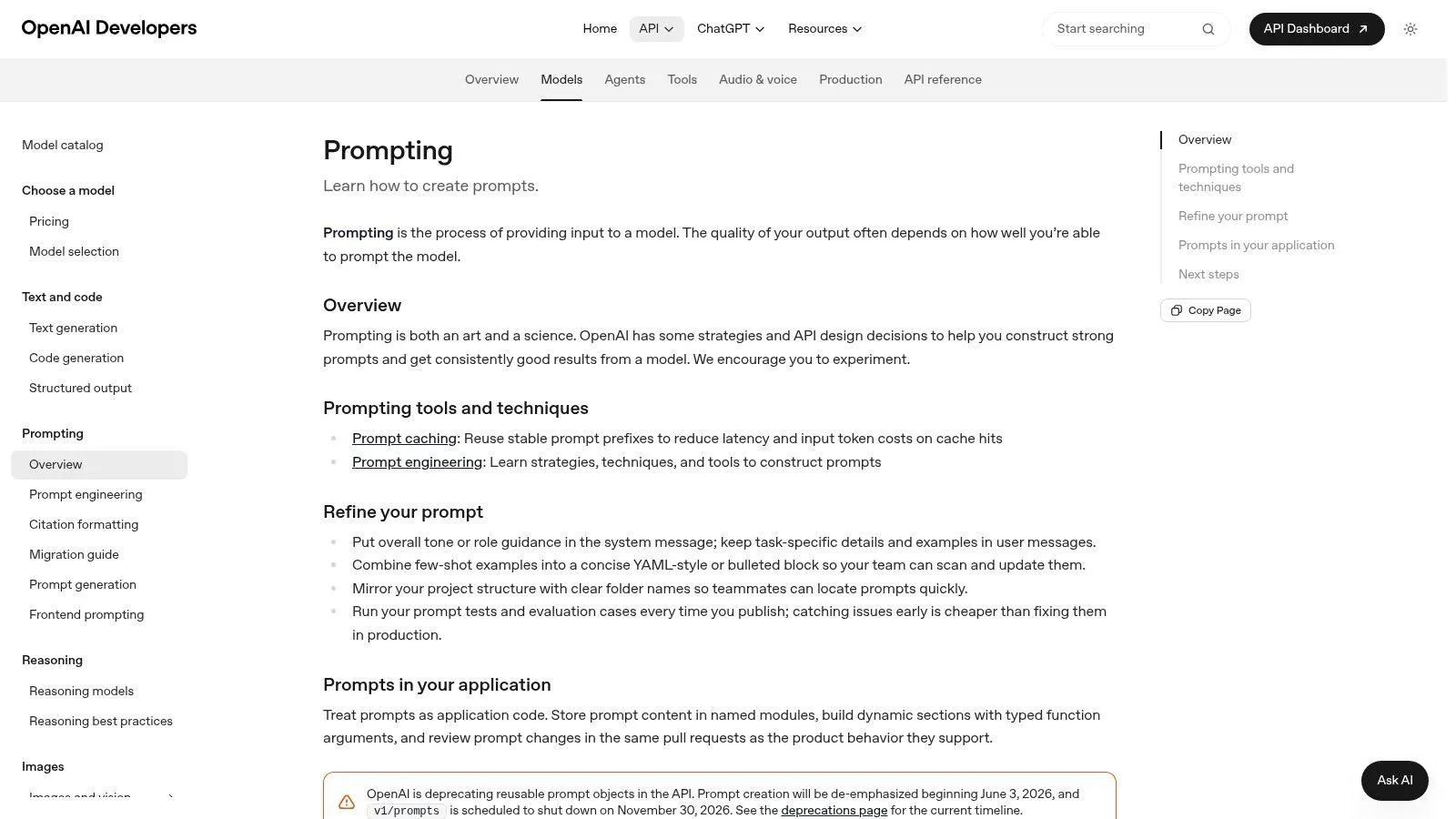
OpenAI’s official prompting guide for its API and models is the place to learn the base rules for ChatGPT and OpenAI workflows. It covers clarity, context, tone, examples, formats, and how to keep prompts as assets in an app.
You won’t find a huge shelf of ready prompts by life category. You’ll find something more durable. You learn how to state a task so the model can follow it, test it, and keep it under control when the app or model changes.
Rules You Can Reuse
- Direct from the maker: Guidance tracks how OpenAI models are meant to be used.
- Transferable basics: Clear task, good context, and a named format help in any tool.
- Two audiences: Daily ChatGPT users and API builders both get use from it.
Some sections lean technical and API-first. If you want a prompt for a cover letter right now, this won’t hand you one. Examples also target OpenAI products first, so adapt them with care elsewhere.
Good examples are not magic. The Stanford-linked material on prompt strategy and in-context learning notes that demonstrations work best when the example is semantically similar to the test input. Pick examples close to your real task. A near example guides. A random one misleads.
10. prompts.chat
prompts.chat grows out of the open-source Awesome ChatGPT Prompts project. It’s a public collection you can browse, inspect, and adapt. That open root sets it apart from closed markets and paid libraries.
Many entries take a role form. Act as a teacher. Act as a coder. Act as a critic. Role alone won’t save a weak task, but these prompts give you a fast start when you need a voice or a frame.
Open and Uneven
- Low friction: Browse and copy with little in your way.
- Transparent: Public material lets you see and change what you use.
- Adaptable: Suits users who like to edit templates themselves.
Open doesn’t mean tested. Some prompts are old and tied to older model habits. Quality and upkeep vary. The site also won’t ask you the missing questions about audience, source, or limits. You must add those fields yourself.
Apply Orwell’s second rule here. As the Missouri law school analysis of Orwell’s rules puts it, use “the smallest word that does the job.” Swap “utilize” for “use” and “commence” for “start” when the meaning holds. Cut the role play down to a plain verb: summarize, compare, rewrite, extract. What remains is a template you can trust.
Top 10 AI Prompt Template Resources Compared
| Tool / Resource | Core Features & Unique Selling Point | Best For | Experience / Quality | Price / Value |
|---|---|---|---|---|
| 🏆 Prompt Like A Pro | ✨ Asks 5–7 tailored questions; creates structured prompts for multiple AI models; 223 prompts across 12 categories | 👥 People wanting better AI results without learning prompt engineering | ★ Questions-first, private-by-design, no signup; daily usage limits apply | 💰 Free and ad-free; first 3 saves free, then $7 one-time for unlimited saves |
| AIPRM | ✨ Searchable template library, reusable variables, browser extension, team organization | 👥 ChatGPT users focused on marketing, SEO, sales, or business | ★ Broad work-task catalog; community template quality varies | 💰 Free and paid features; account or extension may be required |
| PromptBase | ✨ Marketplace for model-specific and niche prompts; creators can sell listings | 👥 Users seeking specialized creative or task-specific prompts | ★ Useful discovery; listing quality varies and prompts may need editing | 💰 Individual prompt purchases; costs can add up |
| FlowGPT | ✨ Community prompts plus AI characters and chat experiences | 👥 Users exploring work prompts, role-play, or new use cases | ★ Broad catalog; quality and professional focus vary | 💰 Paid membership tiers available |
| Snack Prompt | ✨ Prompts, fill-in templates, agents, and workflow resources | 👥 Writers, developers, and automation-oriented users | ★ Practical reuse options; some features may require setup | 💰 Pricing not specified |
| Anthropic Claude Prompting Guidance | ✨ Official Claude guidance on context, examples, templates, and XML-style structure | 👥 Claude users, especially for technical or multi-step tasks | ★ In-depth learning resource; focused on Claude | 💰 Pricing not specified |
| Google Gemini Prompt Gallery | ✨ Official Gemini examples connected to Google AI Studio and API workflows | 👥 Gemini users and technically curious explorers | ★ Relevant model-specific examples; may need adaptation | 💰 Pricing not specified |
| Microsoft Copilot Prompt Gallery | ✨ Work-focused prompts for writing, meetings, summaries, and research | 👥 Copilot and Microsoft 365 users | ★ Concrete, personalizable examples; Microsoft-focused | 💰 Pricing not specified |
| OpenAI Prompting Resources | ✨ Official guidance on clarity, context, formats, and prompt management | 👥 ChatGPT users and OpenAI developers | ★ Practical fundamentals; some material is technical | 💰 Pricing not specified |
| prompts.chat | ✨ Open-source-rooted community prompt collection users can inspect and adapt | 👥 Users seeking public prompt ideas and editable examples | ★ Low-friction browsing; submissions may be dated or uneven | 💰 Pricing not specified |
Turn These Templates Into Habit
A recurring task exposes weak prompts quickly. Choose one template for your next email, code review, lesson plan, or summary. Fill in its quick fields, run it, and check whether it reaches the intended reader, uses the right facts, and follows the requested format. If the result misses, change one field at a time.
Keep the task itself stable while testing. Swap the example, adjust the length, or change the output format, then note what improved or worsened. A few trials on real work show whether a template is dependable. A long prompt copied once gives you little evidence.
Templates also need model-specific edits. An MIT Sloan summary of a DALL-E prompt experiment reports that model changes can affect results, and automatic prompt rewriting reduced image-generation performance in the experiment. Keep the goal and facts when switching tools, then revise the format, detail, and length to suit the target model. For example, move a reusable template’s instructions into clearly labeled fields if the new model responds better to explicit structure.
Write Plain and Guard Your Data
Orwell’s fifth rule favors a plain English word over jargon. His sixth says to break a rule rather than use a phrase that is “outright barbarous,” in the full text of Orwell’s Politics and the English Language. Keep technical terms when they name a method or law. Cut them when they add no precision.
Plain wording also makes it easier to spot sensitive details before you submit a prompt. A 2025 Komprise survey of enterprise IT leaders reported that 79% of organizations had experienced negative outcomes from sending corporate data to generative AI tools. More context can improve an answer, but it can also expose information.
- Classify first: Mark data as public, internal, confidential, or regulated before pasting it.
- Redact by default: Remove names, keys, and client details the task does not need.
- Refuse when needed: If the prompt requires data you cannot share, change the task or use an approved tool.
Add these checks to your AI prompt templates as fill-in fields. Specify permitted sources, data class, and whether a person must review the output. These fields shape the model’s response and give the user a clear point to check before sending.
Start with one repeat job. Write its task as a short verb phrase, name the reader, set the output format, and save the template where you can find it next week. For a simple starting point, Prompt Like A Pro offers a free library of ready templates and a tool for building prompts with fields such as audience, format, and limits. Small, clear inputs used regularly are easier to test and maintain than a long prompt you write once and lose.
Ready-made prompts for this
Build yours with the wizard
Prompt Like A Pro asks a few questions about your task, then writes a complete prompt for ChatGPT, Claude or Gemini. Free, no signup.
Make a prompt →Read next
Context Engineering vs Prompt Engineering: Key Differences
Context engineering vs prompt engineering: what each controls, how to tell which one a failure needs, and when to fix the wording or the information the model gets.
Read the guide →