
8 Gemini Prompt Examples for Better AI Outputs
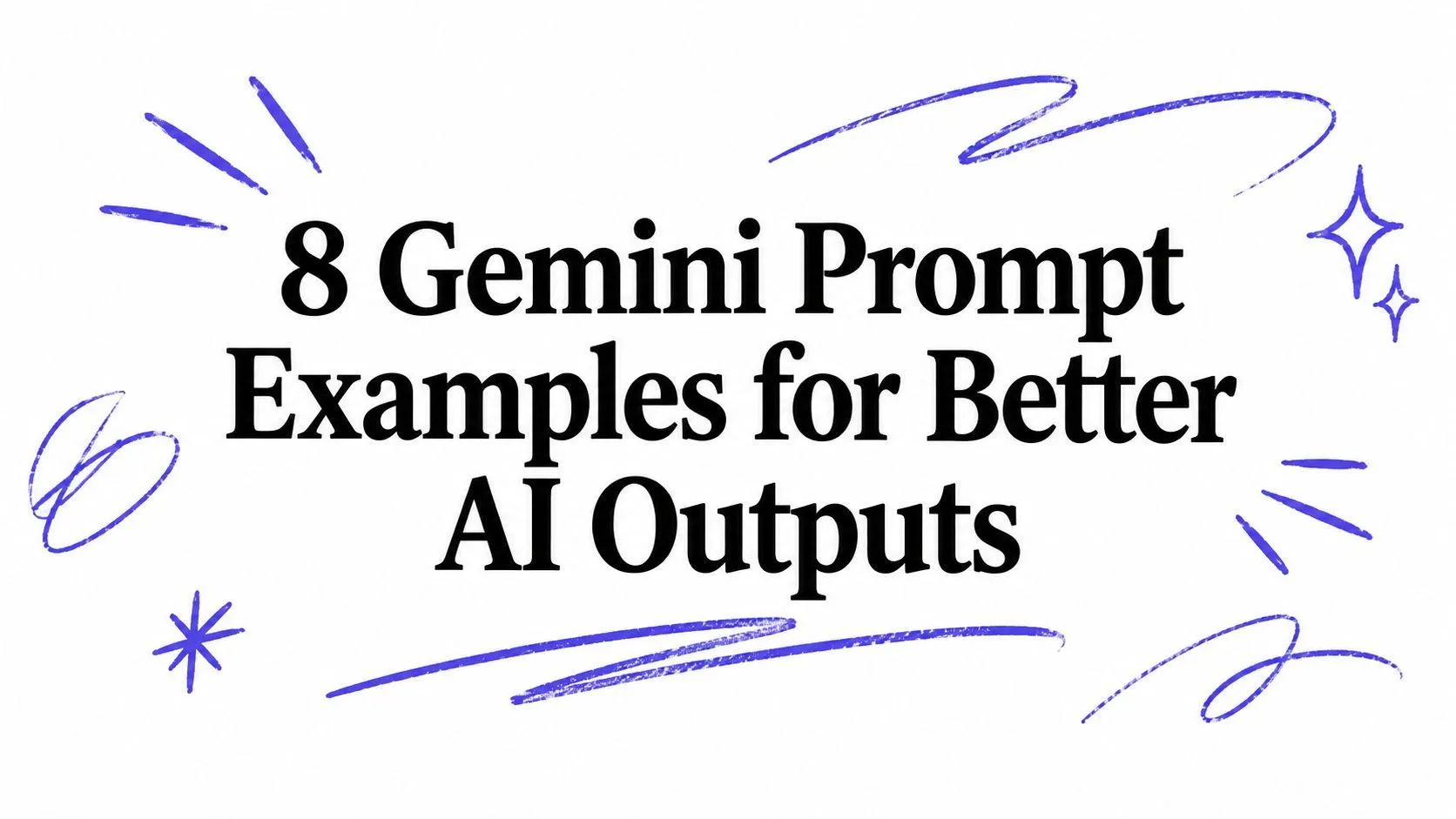
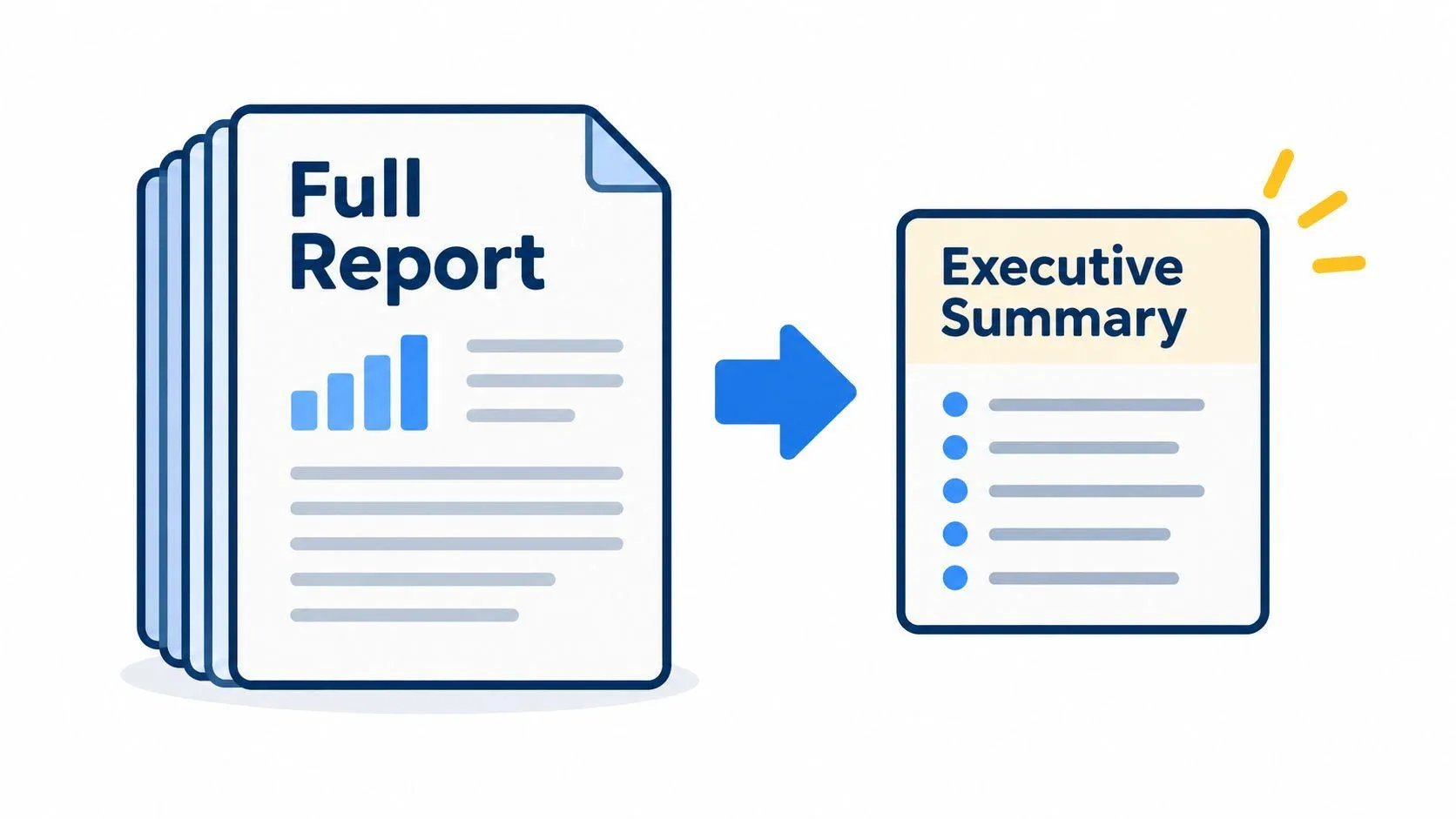
A long report goes into Gemini. A short, vague summary comes back. The same thing happens with a messy meeting transcript, a dense research paper, or a folder of brand examples. The problem often isn’t the model. It’s the prompt’s structure.
The strongest Gemini prompt examples follow a simple pattern. Put the background and reference material first, separate it with clear headings, state the audience and desired level of detail, define the output format, and place the final request last. Google’s prompt design guidance describes prompting as an iterative process that combines instructions, context, examples, and partial input. It also recommends natural language rather than search-style keywords.
These prompt patterns work across ChatGPT, Claude, and Gemini. They aren’t Gemini-only prompts. The Gemini-aware formatting changes the order and shape of the instructions so the model has a clearer task to follow. The examples move from summaries and extraction to creative work, complex decisions, repeatable workflows, and source-grounded answers.
Table of Contents
- 1. Context-First Executive Summary Prompt
- 2. Decision Log Extraction from Unstructured Text
- 3. Detailed Output Amplification with Explicit Requests
- 4. Structured Data Extraction with Labeled Output Sections
- 5. Constraint-Bounded Creative Writing with Model-Aware Formatting
- 6. Multi-Step Problem-Solving with Explicit Reasoning Phases
- 7. Consistency and Reproducibility Across Repeated Runs
- 8. Reference-Anchored Fact-Checking and Source Attribution
- Gemini Prompt Examples: 8-Point Comparison
- Build Better Gemini Prompts by Design
1. Context-First Executive Summary Prompt
A summary prompt needs a clear boundary between the material being summarized and the instruction that controls the output. Paste the complete report, notes, or documentation first. Then add a short request at the end that specifies the audience, length, and structure.
Use headings such as BACKGROUND, REFERENCE MATERIAL, and REQUEST. This makes the prompt easier to inspect and helps Gemini distinguish the source from the task. Google’s Gemini prompt strategies recommend specific constraints around length, format, and list size because vague requests give the model too much room to choose the response shape.
Practical rule: Put the document first and the instruction last. Don’t make the model search through the middle of a long prompt to find the task.
A reusable pattern looks like this:
BACKGROUND
[Paste the complete report or document here]

REQUEST
Based on the report above, write a 5-bullet summary for executives, under 100 words. Include the main result, business impact, key risk, and recommended next action. Use plain language.
You can adapt the same structure to other documents:
- Board brief: “Based on the report above, write a 3-bullet board summary under 75 words.”
- Project review: “Extract the critical path items in a numbered list, maximum 6 items.”
- Meeting notes: “Create a decision log with three columns: Decision, Owner, Deadline. Include only closed decisions.”
Ask for the level of detail you need. Gemini can answer briefly when the prompt doesn’t request depth, so use terms such as in-depth, detailed, or include the relevant reasoning when a thin summary won’t help. For a collection of reusable document prompts, see turn long documents into executive briefs.
2. Decision Log Extraction from Unstructured Text
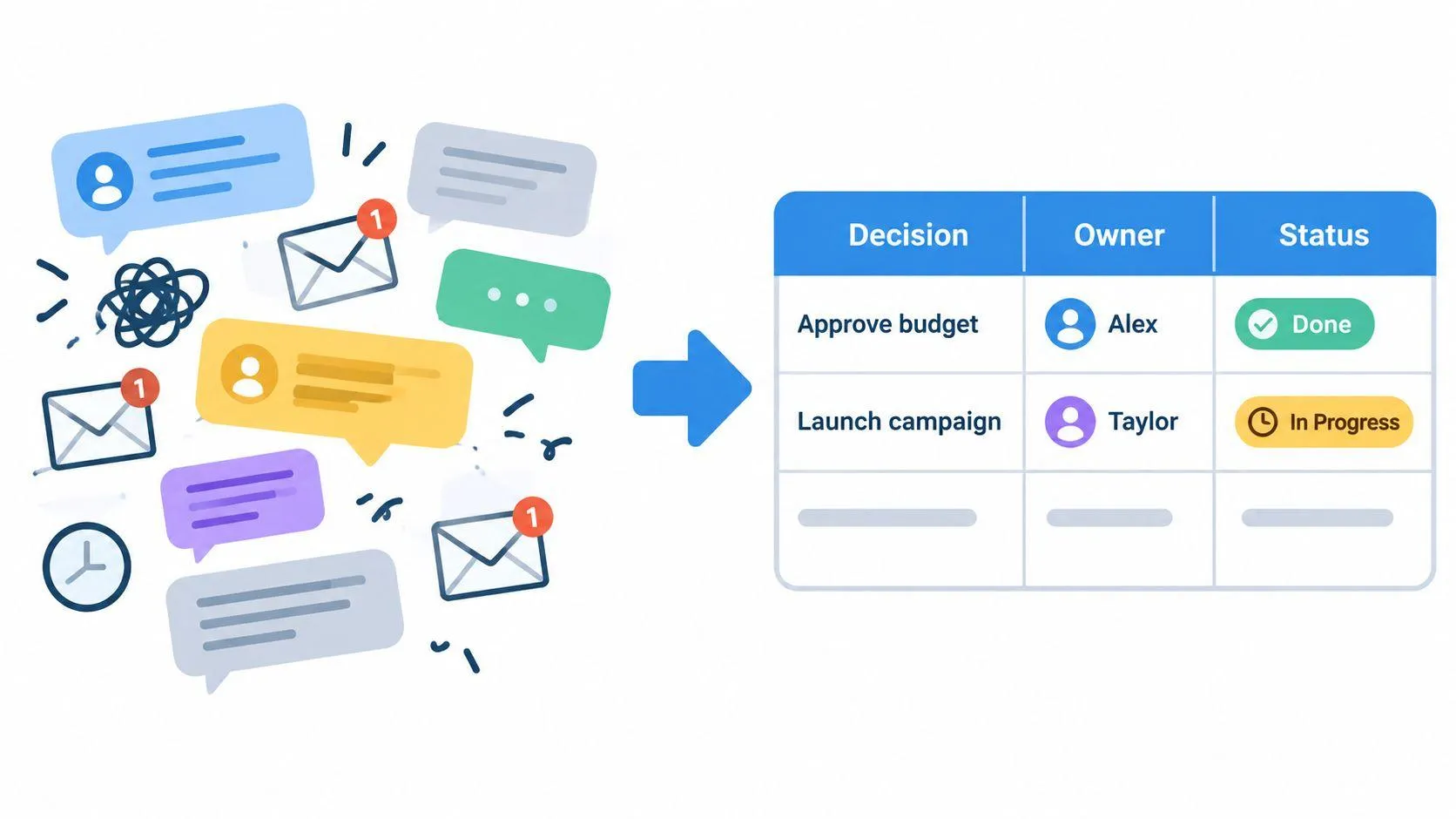
A messy email thread often contains decisions, rejected ideas, unresolved questions, and casual suggestions in the same paragraph. Asking Gemini to “summarize the thread” may preserve that confusion. A decision log prompt gives each useful fact a place.
Paste the unedited transcript, email chain, or chat thread under a context heading. Put the extraction rules after it. Ask Gemini to separate confirmed decisions from proposals that nobody approved. Request ownership and status explicitly, because a phrase such as “someone will handle this” shouldn’t become a confidently assigned task.
CONTEXT
[Paste the complete email thread or meeting transcript here]

REQUEST
Create a decision log with three columns:
Decision | Owner | Deadline or status

Include only decisions and next steps that were explicitly agreed to. If no owner or deadline appears in the text, write “Not specified.” Separate final decisions from open questions.
This pattern works well for product planning, client calls, hiring discussions, and support escalations. You can ask for a numbered list instead of a table, or request separate sections for Closed Decisions, Open Decisions, and Unassigned Actions.
Paste the whole source before asking for the result. Removing repeated messages or informal comments too early may also remove the context that explains whether an idea was accepted. For a very long transcript, divide it into coherent sections, extract the decisions from each part, and then ask Gemini to merge the results while removing duplicates.
Turn a wall of text into a tracker, but don’t let the model turn suggestions into commitments.
A practical workflow is to check every owner and deadline against the original text. Gemini can organize the evidence, but a human should confirm that the log reflects what people agreed to.
3. Detailed Output Amplification with Explicit Requests
“Explain machine learning” is a valid prompt, but it leaves the audience, scope, depth, and structure open. If you need a teaching answer, say so. Google’s documentation recommends specific natural-language instructions and follow-up refinement rather than vague keyword prompts.
Start with the source material when you have it. Then tell Gemini exactly what a useful answer must contain. A detailed prompt might look like this:
REFERENCE
[Paste the relevant notes, article, or technical material here]

REQUEST
Provide a comprehensive explanation of machine learning for a technical audience. Cover its history, core principles, practical applications, and limitations. Explain how algorithms learn in clear stages. Divide the answer into Background, Core Principles, Applications, and Limitations. Use concrete examples and define technical terms.
The important change isn’t the topic. It’s the number of decisions the prompt makes for the model. Detailed, complete, and thorough signal the expected depth. A required structure prevents the response from spending all its space on one aspect while ignoring the rest.
For code review, replace a general instruction with a bounded analysis:
CODE
[Paste the function here]

REQUEST
Perform a detailed code review. Analyze readability, performance, security, and maintainability. Explain the reasoning behind each suggestion. End with step-by-step refactoring recommendations and a revised version of the function.
You can also set a length or paragraph target where it serves the reader. “At least 1,000 words” or “no fewer than 8 paragraphs” creates a measurable boundary, but length alone doesn’t guarantee quality. Pair it with required sections, examples, and an audience.
Ask for expert detail in language a non-expert can follow. That combination is more useful than asking for “advanced” content without defining what advanced means.
4. Structured Data Extraction with Labeled Output Sections
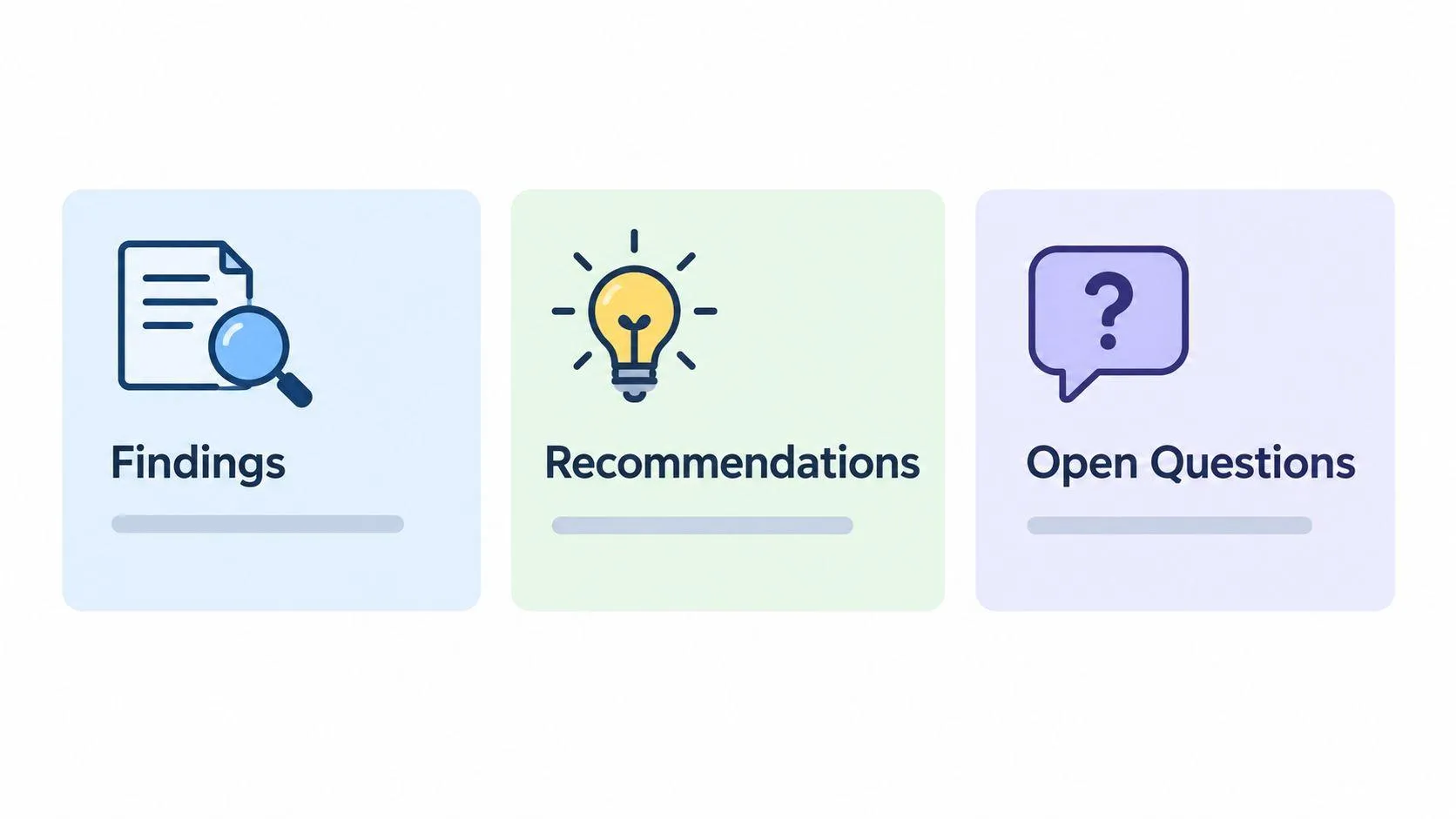
Extraction becomes more reliable when the output already has a shape. Instead of asking Gemini to “identify the key information,” define the headings you want it to use. The headings act as filing instructions for the response.
SOURCE MATERIAL
[Paste the survey responses, research paper, or analysis here]

REQUEST
Extract the information under these headings:

## Product Quality
## Customer Support
## Pricing and Value
## Feature Requests
## Other

List three to five representative comments under each heading. Use only the source material above. If a heading has no relevant comments, write “No relevant information found.”
This approach suits customer feedback, competitive research, policy reviews, and literature notes. It also creates output that another person can scan without first restructuring it.
For a research paper, you might ask for:
## Methodology
## Key Findings
## Implications
## Limitations
## Next Research Questions
Then require a small, consistent number of bullets under each heading. For a competitor document, use headings such as Strengths, Weaknesses, Market Position, and Pricing, but tell Gemini to use only information contained in the document.
Keep the hierarchy simple. Four to six major sections usually give an extraction task enough room to preserve meaning without scattering each point into a separate heading. Define any non-obvious category. “Under Risks, list potential adverse outcomes” is clearer than assuming the model knows what belongs there.
Use a separator between the source and the request when the material is long. Ask Gemini to reproduce each heading exactly if another tool will process the answer. Clear labels help both readers and downstream workflows.
5. Constraint-Bounded Creative Writing with Model-Aware Formatting
A marketing editor needs a subject line that sounds like the brand, fits a character limit, and avoids tired sales language. A useful Gemini prompt puts approved examples and background first, then places the writing request last. This order gives the model a reference point before it applies the constraints.
BRAND EXAMPLES
[Paste three approved email subject lines here]

BRAND NOTES
Warm, direct, useful, and restrained. Avoid hype.

REQUEST
Write one subject line for a promotional email about a summer sale. Keep it under 60 characters. Use a warm but urgent tone. Avoid the word “limited.” Match the examples’ style. Return only the subject line.
Describe the desired voice with observable terms. “Approachable expert, not salesy” gives clearer direction than “professional.” State the audience, platform, length, and output format so the result is easy to review or reuse.
For a LinkedIn post, adapt the same pattern:
REFERENCE EXAMPLES
[Paste approved posts here]

REQUEST
Write a LinkedIn post about our new AI feature. Audience: software engineering managers. Tone: approachable expert, not salesy. Length: exactly 280 characters including spaces. Avoid exclamation marks and promotional buzzwords such as “groundbreaking” or “overhyped.” Return one post only.
The structure also suits ad copy, product descriptions, and short stories. Put the channel and audience in the request when they affect word choice. Add exclusions only when they address a known problem, and define whether the limit counts spaces, headings, or formatting. For practical writing tasks, Google’s Workspace prompting guide covers constraints such as audience, tone, and length.
Ask for several variations when comparison will help. If one version misses the tone, revise the failed constraint, such as vocabulary or emotional register, rather than giving a vague instruction to improve it.-
6. Multi-Step Problem-Solving with Explicit Reasoning Phases
Complex decisions often fail because the prompt asks for analysis and a recommendation in one unstructured move. Separate the work into phases. Each phase should answer a different question, and the final recommendation should depend on the earlier findings.
SCENARIO
[Paste the funding, staffing, technical, or business scenario here]

REQUEST
Analyze the scenario in these phases:

Phase 1: Identify the constraints, including budget, timeline, and team capacity.
Phase 2: Generate possible approaches, including build, buy, and partner.
Phase 3: Evaluate the trade-offs for each approach.
Phase 4: Recommend the strongest option and explain why.
State each phase as a heading. Surface important assumptions and identify information that is missing.
This format makes the reasoning easier to inspect. A manager can challenge a constraint without discarding the options. A developer can review the diagnosis before applying a code fix. A researcher can distinguish observed evidence from an interpretation.
A debugging version might use these phases:
- Phase 1: Describe the symptoms and input that reproduce the issue.
- Phase 2: Trace the execution path in order.
- Phase 3: Identify the likely root cause and supporting evidence.
- Phase 4: Propose a fix with an explanation.
- Phase 5: Suggest tests for the fix.
Keep the sequence logical. Understand the problem before generating options, and evaluate options before recommending one. For high-stakes work, ask Gemini to state assumptions and mark uncertainty rather than filling gaps with confident guesses.
Google’s Gemini prompting guide recommends splitting some tasks into separate verification and generation steps. That principle also applies here. First establish what the source supports. Then ask for the decision or draft based on that analysis.
A recommendation becomes easier to trust when the reader can see which evidence and assumptions produced it.
7. Consistency and Reproducibility Across Repeated Runs
A prompt can produce a useful answer once and still be unsuitable for repeated work. Batch extraction, recurring reports, and content templates need a stable output shape. Context-first placement, explicit constraints, and a bounded request give Gemini fewer opportunities to change the structure from one run to the next.
Use a prompt such as:
SOURCE
[Paste the report or customer message here]

REQUEST
Extract the information into these fields:
- Issue
- Product area
- Customer impact
- Requested action
- Evidence from the source

Return one compact record. Use “Not stated” when the source doesn't provide a field. Don't infer facts that aren't present.
Run the same prompt against several representative inputs before using it in a production workflow. Check whether the headings remain intact, whether the requested tone stays stable, and whether the model separates missing information from assumptions. If the output varies, tighten the format and define how Gemini should handle absent or conflicting data.
For recurring summaries, use a target range rather than a vague instruction:
Write approximately 500 words, using the headings Situation, Evidence, Risks, and Next Actions.For a writing workflow, specify the audience and voice as well as the length. For extraction, define the fields and permitted values. For automated processing, ask for only the required output and exclude commentary.
Don’t assume consistency without testing it on your own task. A structured prompt can improve predictability, but source quality, ambiguity, and task complexity still affect the result. Treat repeated runs as a quality check, not as proof that the model will never need review.
8. Reference-Anchored Fact-Checking and Source Attribution
A reference acts like a boundary around the answer. Give Gemini the policy, specification, dataset, or approved document first. Put the request last, then require a clear response when the source does not contain the answer. This format also works with other models that accept supplied context.
REFERENCE POLICY
[Paste the complete policy here]

REQUEST
A customer asks: Can I carry over unused vacation days?

Answer only from the policy above. Quote the relevant section. If the policy does not address this question, say so explicitly. Do not use outside information.
For a product specification, keep the same order and define the fact-checking output:
PRODUCT SPECIFICATION
[Paste the complete specification here]

REQUEST
Fact-check this claim: The system supports up to 1,000 concurrent users. Cite the section that confirms or contradicts the claim. If the specification does not mention this capacity, say so clearly.
Specify the citation format before asking for an answer. Request the exact sentence, section name, or page number when the source provides stable labels. If it does not, ask for a short quotation and a brief note identifying where the passage appears. Set the required detail and structure too, such as a verdict, supporting evidence, and source location.
This pattern suits regulated work in finance, healthcare, and legal operations, where unsupported claims can create compliance problems. It also supports internal knowledge bases by separating confirmed, contradicted, and not addressed. Those labels prevent an unanswered question from becoming an invented conclusion.
For a retrieval workflow, adapt the approach with a retrieval-augmented generation architecture prompt. Retrieve relevant material, place it before the request, and make the answer depend on that material. Review the quotation and citation before treating the result as verified.
Gemini Prompt Examples: 8-Point Comparison
| Approach | 🔄 Implementation complexity | ⚡ Resource requirements | ⭐ Expected effectiveness | 📊 Expected outcomes | 💡 Ideal use cases & key advantages |
|---|---|---|---|---|---|
| Context-First Executive Summary Prompt | Moderate, prepare full context then a bounded request | High tokens for long docs; low follow-up effort | ⭐⭐⭐⭐, reliable, focused summaries on first pass | Executive-ready summaries; fewer iterations | Board briefs, quarterly reports; predictable, format-controlled outputs |
| Decision Log Extraction from Unstructured Text | Moderate, supply raw threads and specify 3-column output | Medium–High tokens; may need chunking for very long transcripts | ⭐⭐⭐⭐, excellent when decisions/owners are explicit | Structured decision logs with clear ownership and statuses | Meetings, emails, Slack threads; turns messy narrative into actionable tracker |
| Detailed Output Amplification with Explicit Requests | Low–Moderate, craft explicit depth, reasoning, and length requirements | High token usage and longer responses | ⭐⭐⭐⭐, produces thorough, reasoning-rich outputs | Comprehensive analyses or reviews, fewer follow-ups | Research, code review, technical writing; forces depth and transparency |
| Structured Data Extraction with Labeled Output Sections | Moderate, define headings/sections before pasting content | Medium tokens; outputs are parseable by tools | ⭐⭐⭐⭐, scannable, organized extraction | Labeled sections ready for downstream use and automation | Reports, feedback synthesis, literature reviews; consistent, machine-friendly structure |
| Constraint-Bounded Creative Writing with Model-Aware Formatting | Moderate, provide examples, brand voice, and strict constraints | Low–Medium tokens per run; may require multiple variations | ⭐⭐⭐⭐, precise short-form, on-brand copy | Constraint-compliant copy (subject lines, ads, posts) | Marketing, social media, email; enforces tone, length, and forbidden elements |
| Multi-Step Problem-Solving with Explicit Reasoning Phases | High, design 3–5 logical phases and objectives | High tokens and longer latency | ⭐⭐⭐⭐⭐, auditable, verifiable reasoning | Phase-by-phase analysis and defendable recommendations | High-stakes decisions, architecture, product strategy; forces transparent logic |
| Consistency and Reproducibility Across Repeated Runs | Moderate, requires prompt engineering and validation runs | Medium tokens; predictable cost and variance | ⭐⭐⭐⭐⭐, very consistent when prompts are well-structured | Repeatable outputs suitable for batch processing and A/B testing | Batch summarization, production pipelines; reduces variance and manual cleanup |
| Reference-Anchored Fact-Checking and Source Attribution | Moderate, curate authoritative sources and require citation format | Medium–High tokens; risk of hitting context limits with long sources | ⭐⭐⭐⭐⭐, minimizes hallucination; source-grounded answers | Source-cited, auditable claims and fact-check results | Compliance, legal, policy review, regulated customer support; traceable evidence-based outputs |
Build Better Gemini Prompts by Design
Good prompts don’t begin with clever wording. They begin with the information Gemini needs to do the job. Gather the full context, remove nothing important, and separate source material from instructions with clear headings. Name the audience, define the task, state the required level of detail, and specify the output format.
Then put the final request last. Google’s prompting guidance supports this broader approach, with an emphasis on natural language, specific constraints, examples, task decomposition, and iterative refinement. A prompt should tell Gemini what to use, what to produce, and what to do when the source doesn’t contain enough information.
The eight patterns give you a practical starting set:
- Summaries need a bounded audience, length, and format.
- Decision logs need explicit owners, deadlines, and agreement rules.
- Detailed explanations need scope, depth, and required sections.
- Data extraction needs fixed labels and item limits.
- Creative writing needs examples, audience, tone, exclusions, and measurable limits.
- Complex decisions benefit from separate analysis phases.
- Repeatable workflows need stable fields and rules for missing information.
- Fact-checking needs an authoritative reference and a clear “not addressed” response.
Test the answer against the source. For a summary, check whether it omitted a material risk. For a decision log, verify every owner and deadline. For a fact-check, confirm that every citation supports the claim. When the result misses the mark, adjust the constraint that failed instead of adding a vague follow-up such as “try again.”
The core prompt can work in ChatGPT, Claude, Gemini, or another assistant. What changes is the formatting that helps a selected model interpret the material. Prompt Like A Pro asks questions about the task, audience, format, length, and constraints, then produces a structured prompt for Gemini or another assistant at promptlikea.pro.
Prompt Like A Pro helps you turn an unclear task into a structured prompt by asking focused questions before drafting it. Visit Prompt Like A Pro to create a Gemini-ready prompt with clear context, constraints, and output instructions, then adapt the same pattern for ChatGPT or Claude.
Build yours with the wizard
Prompt Like A Pro asks a few questions about your task, then writes a complete prompt for ChatGPT, Claude or Gemini. Free, no signup.
Make a prompt →