
Is Claude Better Than Gemini in 2026? An Honest Guide
Neither model is universally better in 2026. Claude leads Gemini on SWE-bench Verified at 82.1% versus 63.8%, while Gemini leads on GPQA at 94.1% versus 90.5%, so the honest answer to is Claude better than Gemini is task-specific, not absolute.
That split is the story. Claude looks stronger when the work is software engineering, instruction-heavy, and structured. Gemini looks stronger when the work is scientific reasoning, some long-context tasks, and cost-sensitive API usage. The right choice depends on what you’re asking it to do, not which brand sounds more advanced.
| Dimension | Claude | Gemini |
|---|---|---|
| Repository bug fixing | 82.1% on SWE-bench Verified | 63.8% on SWE-bench Verified |
| Science reasoning | 90.5% on GPQA | 94.1% on GPQA |
| Cross-domain hard exams | 67.6% on Humanity’s Last Exam | 79.6% on Humanity’s Last Exam |
| Short code generation | 92.0% on HumanEval | 87.2% on HumanEval |
| Best fit | Software engineering, instruction following, structured technical work | Advanced scientific, mathematical, multilingual, and long-context tasks |
Table of Contents
Why This Question Has No Single Answer in 2026
The surprising part is that both camps have a point. Claude can be the better model for coding and still lose on scientific reasoning in the same comparison set. Gemini can be the better model for long-context work and still trail on repository-level bug fixing.
That’s why a single winner answer falls apart fast. The benchmark pattern is not random, it’s consistent enough to be useful. Claude leads on SWE-bench Verified and HumanEval, which points toward better performance on real codebases and short code generation, while Gemini leads on GPQA and Humanity’s Last Exam, which points toward stronger performance on difficult science and broad reasoning tasks. The practical conclusion is simple: the model you should open first depends on the job in front of you, not the headline.
The useful question is narrower
If you’re debugging a multi-file repository, you want the model that handles applied software work more reliably. If you’re compressing dense research, translating between languages, or working across a very large context, you want the model that holds more of the problem in view.
Practical rule: stop asking which model is “smarter” in the abstract. Ask which one is more likely to finish the task you actually care about without drift, truncation, or avoidable correction.
There’s also a trap in treating benchmark names as fixed verdicts. Model versions change, prompting methods change, tools change, and evaluation setups change. A score on one release does not lock in a lifetime ranking.
That leaves a better way to think about the question. Claude and Gemini are both strong enough that task fit matters more than brand loyalty. For most readers, that means a per-task decision rule, not a permanent winner.
How Claude and Gemini Compare on the Benchmarks That Matter
Benchmarks matter because they separate broad claims from task-specific performance. SWE-bench Verified checks whether an AI system can solve real GitHub issues, so it is most relevant for developers and engineers. HumanEval tests short code generation. GPQA measures graduate-level science reasoning, and Humanity’s Last Exam spans difficult mixed-domain questions.
Coding and repository work favor Claude
On SWE-bench Verified, Claude Sonnet 4.6 reaches 82.1% versus Gemini 3’s 63.8%, an 18.3-point lead for Claude (Claude vs Gemini 2026 benchmark table). On a separate repository-level bug fixing comparison, Claude Opus 5.8 posts 87.6% versus 80.6% for Gemini 3.1 Pro, and on the harder SWE-bench Pro, Claude scores 64.3% versus 54.2% (repository-level bug fixing comparison; third-party benchmark comparison).
That spread is meaningful because these are not isolated code snippets. They test whether the model can follow repository context, handle related files, and produce a fix that survives a larger codebase. For software teams, that is closer to real work than a clean prompt with a single correct answer.
Science and broad reasoning favor Gemini
The pattern reverses on science reasoning. Gemini 3.1 Pro scores 94.1% on GPQA, compared with 90.5% for Claude Opus 4.6 using 32K thinking tokens, a 3.6-point edge for Gemini (GPQA and Humanity’s Last Exam scores for Claude and Gemini). On Humanity’s Last Exam, Gemini also leads at 79.6% versus 67.6% for Claude (GPQA and Humanity’s Last Exam scores for Claude and Gemini).
That does not make Gemini a universal reasoning winner. It does show that advanced scientific, mathematical, and cross-domain prompts can favor Gemini when the task depends on keeping more of the problem in view.
Short code generation still leans Claude
Claude also leads HumanEval at 92.0% versus Gemini’s 87.2% (Claude vs Gemini 2026 benchmark table). The gap is smaller than in repository-level tests, but it points in the same direction. Claude is the safer first pick for short code generation and structured technical output.
| Benchmark | What it measures | Claude | Gemini |
|---|---|---|---|
| SWE-bench Verified | Real GitHub issue resolution | 82.1% | 63.8% |
| SWE-bench Pro | Harder repository-level bug fixing | 64.3% | 54.2% |
| GPQA | Graduate-level science reasoning | 90.5% | 94.1% |
| Humanity’s Last Exam | Hard mixed-domain reasoning | 67.6% | 79.6% |
| HumanEval | Short code generation | 92.0% | 87.2% |
The key takeaway is task fit, not a single overall crown. Benchmark versions matter, and newer releases can shift the balance quickly.
Pricing and Context Windows Side by Side
Cost changes the answer quickly once work moves from occasional prompts to daily use. A freelancer, student, or small team is not only buying answer quality. They are also buying enough headroom to reuse background material without watching the bill grow too fast.
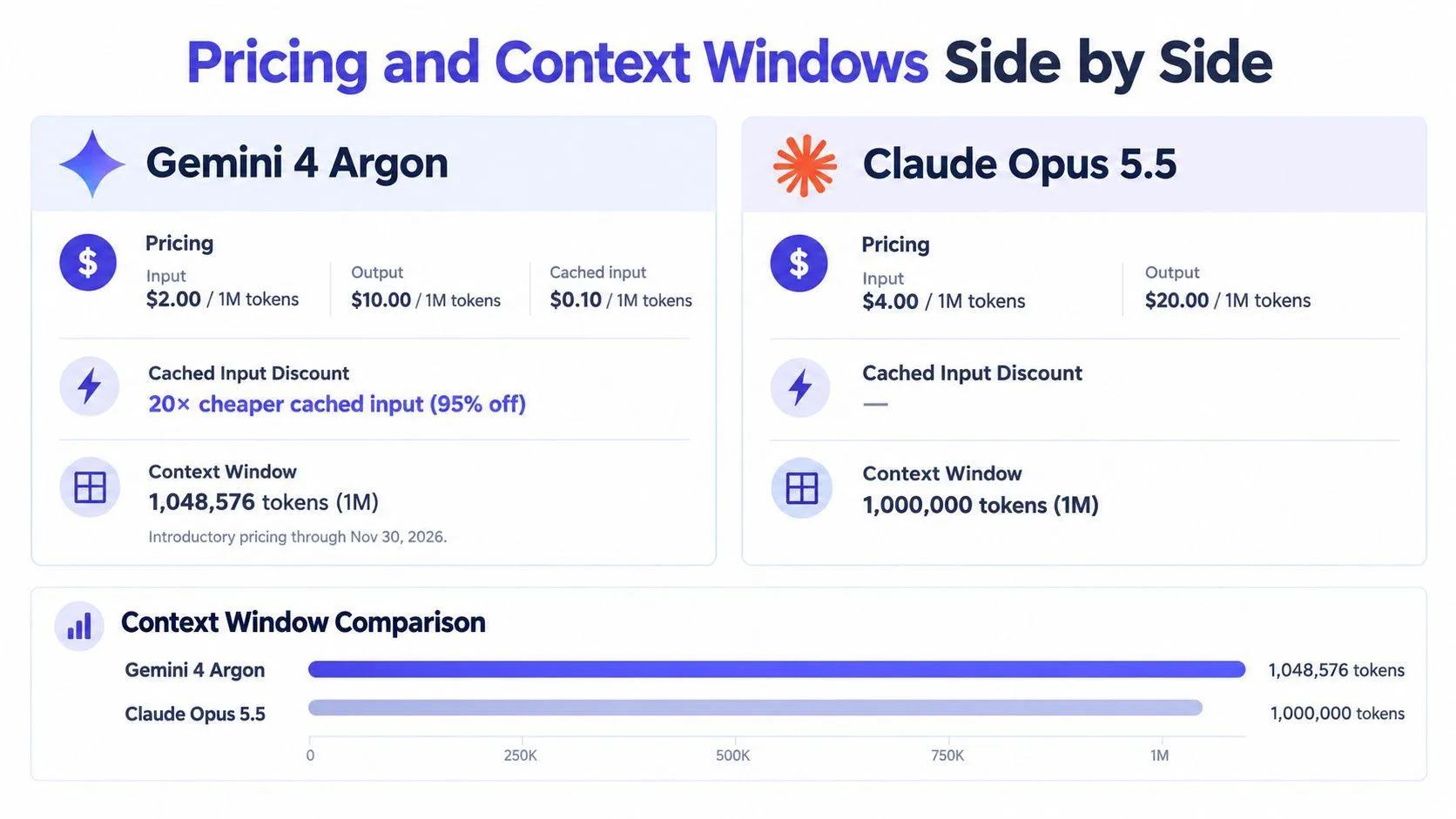
Google lists Gemini 4 Argon at $3.60 per million input tokens and $0.18 per million cached-input tokens, with that pricing scheduled to run through November 30, 2026 (Google pricing table). The cached-input rate is one-twentieth of the standard input price, so repeated context becomes far cheaper when it qualifies for caching.
Cached input changes the economics
That matters most in workflows that keep sending the same long document, style guide, or product background. If the same context appears again and again, Gemini’s pricing structure can materially reduce cost. If each prompt is fresh and self-contained, the advantage shrinks.
Claude’s counterweight is quality on the tasks covered earlier. If the model saves a revision pass, a debugging loop, or a rewrite, the higher per-request cost can still be the cheaper choice in practice. Token price is not the same thing as task cost.
Rule of thumb: if the same background material goes into many prompts, cached input matters. If each prompt is unique and the task is high-stakes, output quality usually matters more than the raw token rate.
Context window is not just a bragging right
For long-document work, the current Gemini generation supports a context window up to 1 million tokens according to Google’s model documentation. That matters because long-context performance is really a prompt-design problem as much as a model-spec problem, as explained in this guide on context engineering in AI.
A larger window helps only if the model uses the extra space well. A smaller window paired with better instruction following can still be the better tool for structured work, especially when the prompt depends on precise formatting and consistent adherence to constraints.
The chart below shows why the comparison is not just about headline quality. It also has to account for how much context each model can hold and how that changes the cost of reusing material across many runs.
For readers comparing Claude and Gemini on cost alone, the question is simple. Are you mostly paying for repeated context and long, low-stakes runs, or are you paying for the best first-pass result on a task that breaks easily when the model drifts? In the first case, Gemini’s pricing model matters more. In the second, Claude’s quality edge may be worth the premium.
Privacy, Training Data, and Who Owns Your Prompts
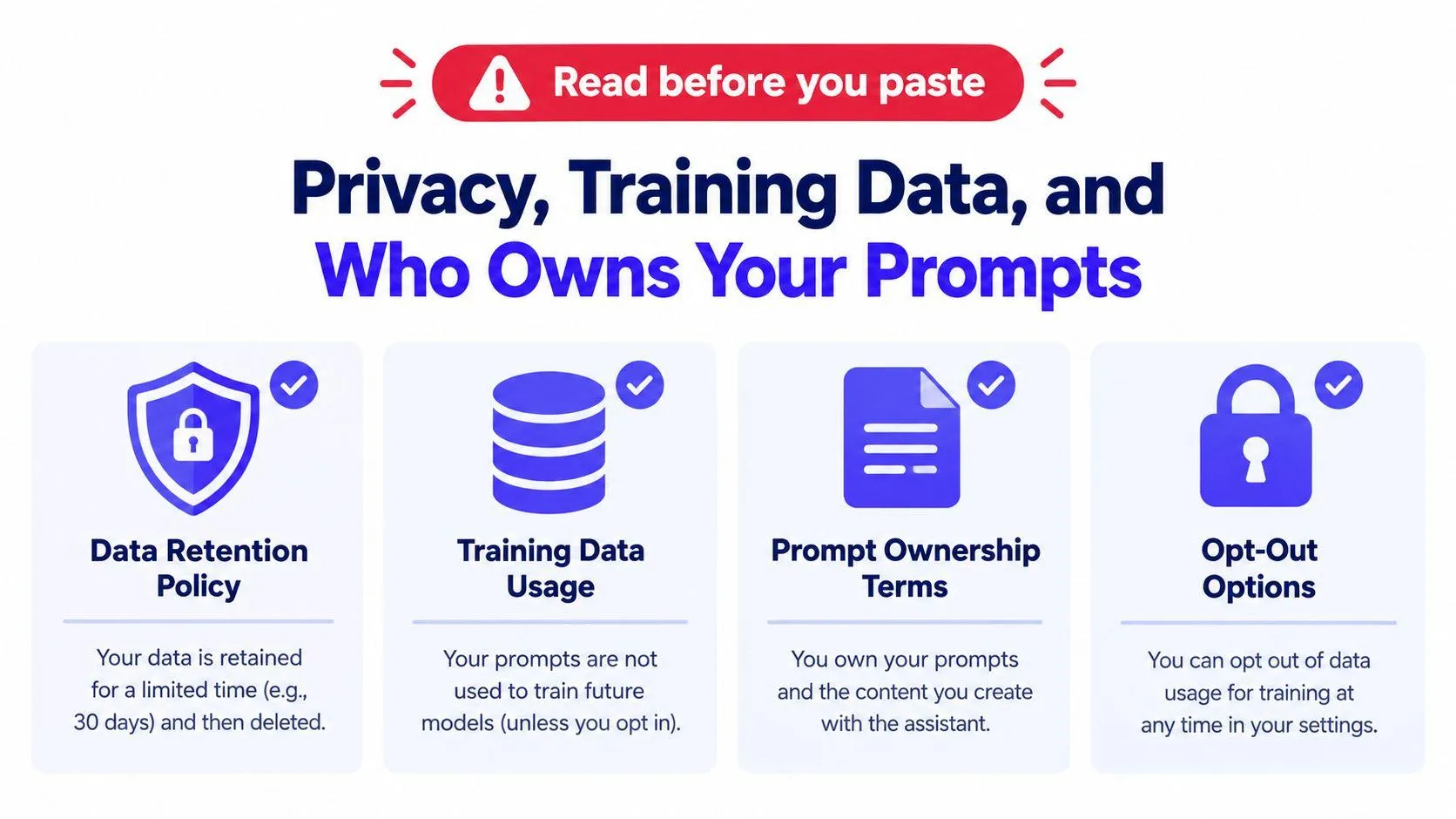
Privacy is where surface-level comparisons break down fastest. The better question is not which model is “private,” but which tier you are using, how that tier handles data, and which settings you have changed.
Anthropic’s commercial policy says it does not use inputs or outputs from commercial products, including Claude for Work, the Anthropic API, and Claude Gov, to train its models by default (Anthropic privacy policy). Anthropic can still use chats and coding sessions if a user explicitly allows model improvement, submits feedback or a bug report, or if a conversation is reviewed for safety purposes.
Tier matters more than brand slogans
The privacy answer changes with the account and product tier, not just the logo. A consumer setup, a business account, and an API integration do not follow the same data-use rules. Gemini works the same way in practice. Consumer and enterprise paths are governed by different account settings and agreements, so the prompt you paste into one environment may be handled very differently in another.
The broader comparison evidence points in the same direction. Consumer conversations on both services may be used for model improvement unless users change settings, while stronger no-training or zero-retention guarantees generally belong to business, enterprise, or eligible API agreements (privacy comparison).
Practical rule: if the draft would hurt you if exposed, do not paste it until you know the tier, the retention rule, and the opt-out path.
What to check before you paste confidential work
- Default retention: confirm whether chats are kept for product improvement or safety review.
- Training use: check whether prompts and outputs can be used to train the model by default.
- Opt-out friction: see how many steps it takes to disable training or review.
- Deletion controls: verify whether you can delete chats and whether deletion is immediate.
- Account type: separate consumer use from work or API use before you judge privacy.
Gemini’s own governance documentation should be the second source you check, because the answer depends on the product path and the controls attached to that account. The right conclusion is not “Claude is private” or “Gemini is private,” it is which tier keeps your prompts out of training, which tier retains them for safety, and which tier gives you deletion and opt-out controls that fit the work you are doing.
The Same Prompt Sent to Both Models
Benchmarks tell you what a model can do. Real prompts tell you how it behaves when the instructions get specific, the context gets messy, and the output has to be usable without much cleanup.
A multi-file refactor is where Claude’s discipline tends to show up first. It is more likely to keep the file boundaries intact, follow the requested output format, and stay inside the stated constraints. Gemini can absolutely handle the same task, but the difference is usually in consistency, not capability. When the prompt demands exactness, Claude is the one that more often holds the line.
Long documents expose a different strength
A long-document summary is where Gemini’s larger context and broad synthesis can become more useful. If the source is sprawling, Gemini is often better at keeping more of the document in view while still producing a coherent summary. Claude can still do the job well, but the advantage shifts when the task is less about narrow adherence and more about absorbing a lot of material at once.
A short marketing email rewrite is the least decisive case. Both models can produce polished prose quickly, but Claude usually gives the cleaner structure and tighter instruction compliance. Gemini often sounds fluent too, but it can lean a little more toward generic phrasing if the prompt is thin.
One model is not “better at writing” in every sense. Claude is usually stronger when the brief is strict. Gemini is often more comfortable when the source material is broad and the task is synthesis.
The main lesson is that prompt shape matters as much as model choice. A precise prompt, clear output format, and explicit acceptance criteria improve both systems. The difference is that Claude tends to reward that structure more consistently, while Gemini tends to benefit more when the task needs breadth and large context.
If you want to compare them fairly, send the same prompt to both and judge the output against the same checklist. That produces a cleaner decision than relying on memory or marketing language.
Writing Prompts That Play to Each Model’s Strengths
Claude and Gemini respond differently to the same prompt, so a fair comparison starts with prompt design. Keep the task identical, then vary the prompt shape to match each model’s strongest behavior.
For Claude, narrow the brief and label each part clearly. Claude tends to respond well when you separate context, constraints, examples, and output format, because it follows explicit structure closely. A useful setup is a prompt that states the role, the objective, the hard limits, and what the answer must look like.
A Claude-shaped prompt
Context: You are writing a customer-facing summary for a SaaS landing page.
Constraints: Keep it under 120 words, avoid jargon, and do not mention pricing.
Example: Rewrite this paragraph so it sounds clearer and more direct.
Output format: Return one polished paragraph only.
For ready-made structures, see this guide to Claude AI prompts. The point is not to make the prompt longer, but to make the boundaries visible enough that Claude can stay inside them without drifting into vague prose.
Gemini works better with the same task when the prompt leaves room for synthesis. It handles large source sets, mixed formats, and broad context more comfortably if the destination is clear and the route is not over-specified. That makes it a better fit for long documents, multilingual material, and research inputs that need breadth before polish.
You can also generate a structured prompt for either model with Prompt Like A Pro, which asks clarifying questions and formats the result for the target assistant. That is useful when you want to test both systems against the same brief without rewriting everything by hand.
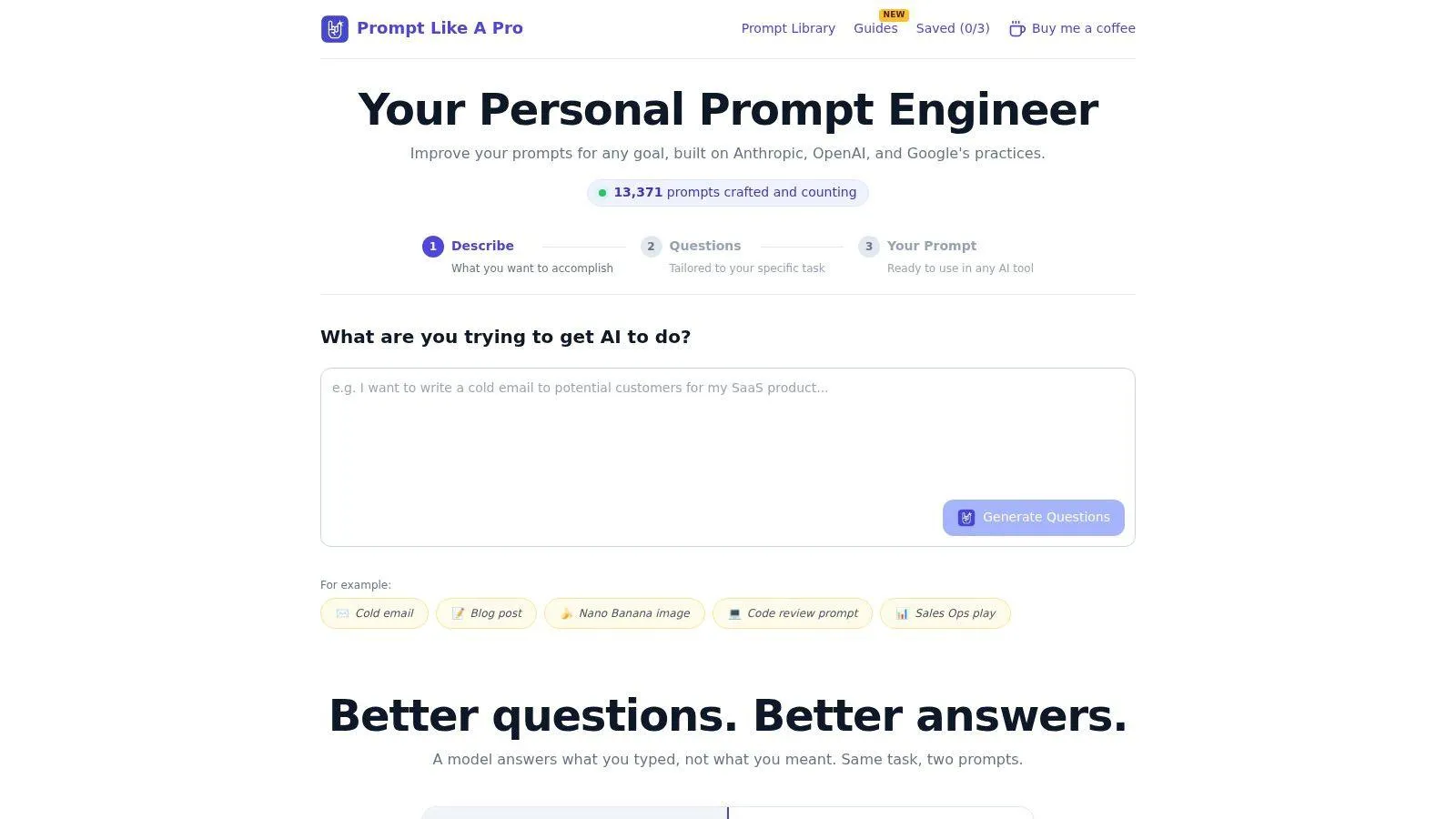
A practical workflow is straightforward. Write one task brief, generate a Claude-friendly version and a Gemini-friendly version from that source, then compare output quality, revision time, and how often each model needs correction.
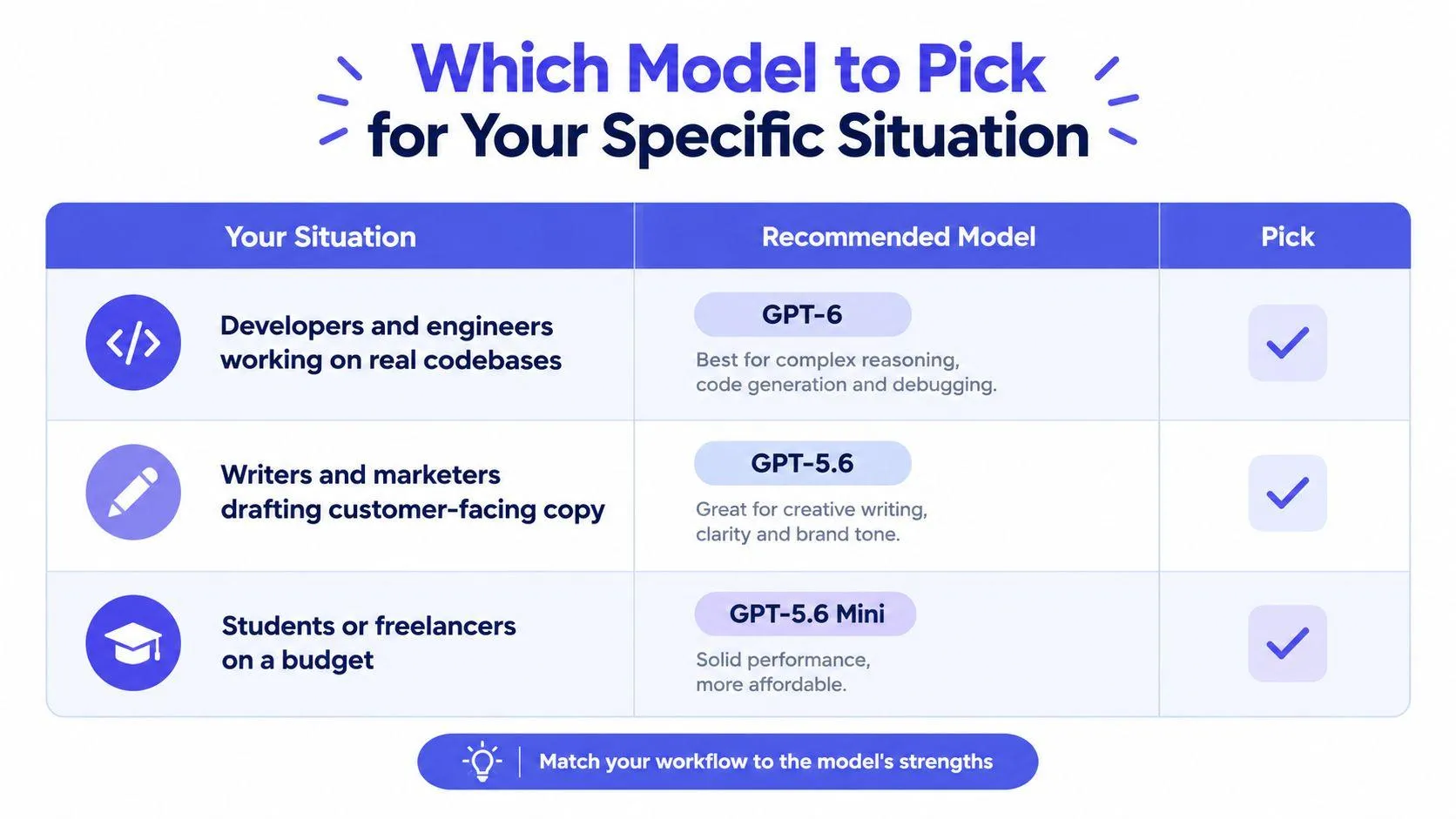
Which Model to Pick for Your Specific Situation
If you need a default answer, use the task, not the brand, as the trigger. Claude is the safer first pick for real codebases, strict instruction-following, and customer-facing text. Gemini is the safer first pick for large-context work, broad scientific reasoning, and workloads where cost or ecosystem integration matters more.
| Situation | Better default | Why |
|---|---|---|
| Developers and engineers working on real codebases | Claude | Stronger repository-level bug fixing and instruction fidelity |
| Writers and marketers drafting customer-facing copy | Claude | Tighter structure and cleaner adherence to brief |
| Students or researchers summarizing long papers | Gemini | Better fit for long-context synthesis and broad reasoning |
| Small teams handling sensitive material | Claude | Clear commercial no-training default on covered products |
| Budget-sensitive, high-volume token work | Gemini | Cheaper cached-input path and lower per-token pricing route |
The one scenario where it’s worth running both is when the output will shape a high-stakes decision and the prompt is stable enough to compare fairly. Use the same prompt, the same acceptance criteria, and the same scorecard. That gives you a decision based on output quality, not habit.
If you want better prompts for either model, Prompt Like A Pro turns a task into a structured prompt by asking the missing questions first, then formatting the result for Claude or Gemini. Visit Prompt Like A Pro to generate a task-specific prompt and test both assistants with the same brief.
Ready-made prompts for this
Build yours with the wizard
Prompt Like A Pro asks a few questions about your task, then writes a complete prompt for ChatGPT, Claude or Gemini. Free, no signup.
Make a prompt →Read next
Pros and Cons Analysis That Actually Works
A pros and cons analysis that holds up: plain-language entries, a four-column template, bias checks, a weighted matrix and a sensitivity check before you commit.
Read the guide →