
10 Prompt Engineering Tools: Privacy, Cost, and Fit

Most readers need a prompt for a chatbot, not a software project. Choose a tool by the job: writing a prompt, testing it inside an application, or managing prompts across a team. The wrong fit costs time. A developer playground will not fix a vague request, and a template catalog will not version a prompt embedded in an app.
Prompt tools serve different workflows. Some help shape instructions for ChatGPT, Claude, or Gemini. Others let developers test prompts against models or track changes across a team. Account requirements, privacy controls, and costs vary, so check them before using a tool with client or company material.
Prompt quality affects the model’s response. Context, constraints, examples, and format can change the result, even without changing the model. Chain-of-thought prompting drew attention to how instructions can shape model outputs, a topic discussed in Prompt engineering became a distinct practice in 2022. The cited course material does not establish when the practice began, so the year should not be treated as a firm starting point.
For a one-off chatbot request, a prompt-writing tool may be enough. Developers testing prompts inside an application need a playground or evaluation tool. Teams maintaining prompts across projects need versioning and shared controls. The tools below are organized around those jobs, with setup, privacy, account, and cost considerations in view.
Table of Contents
1. Prompt Like A Pro
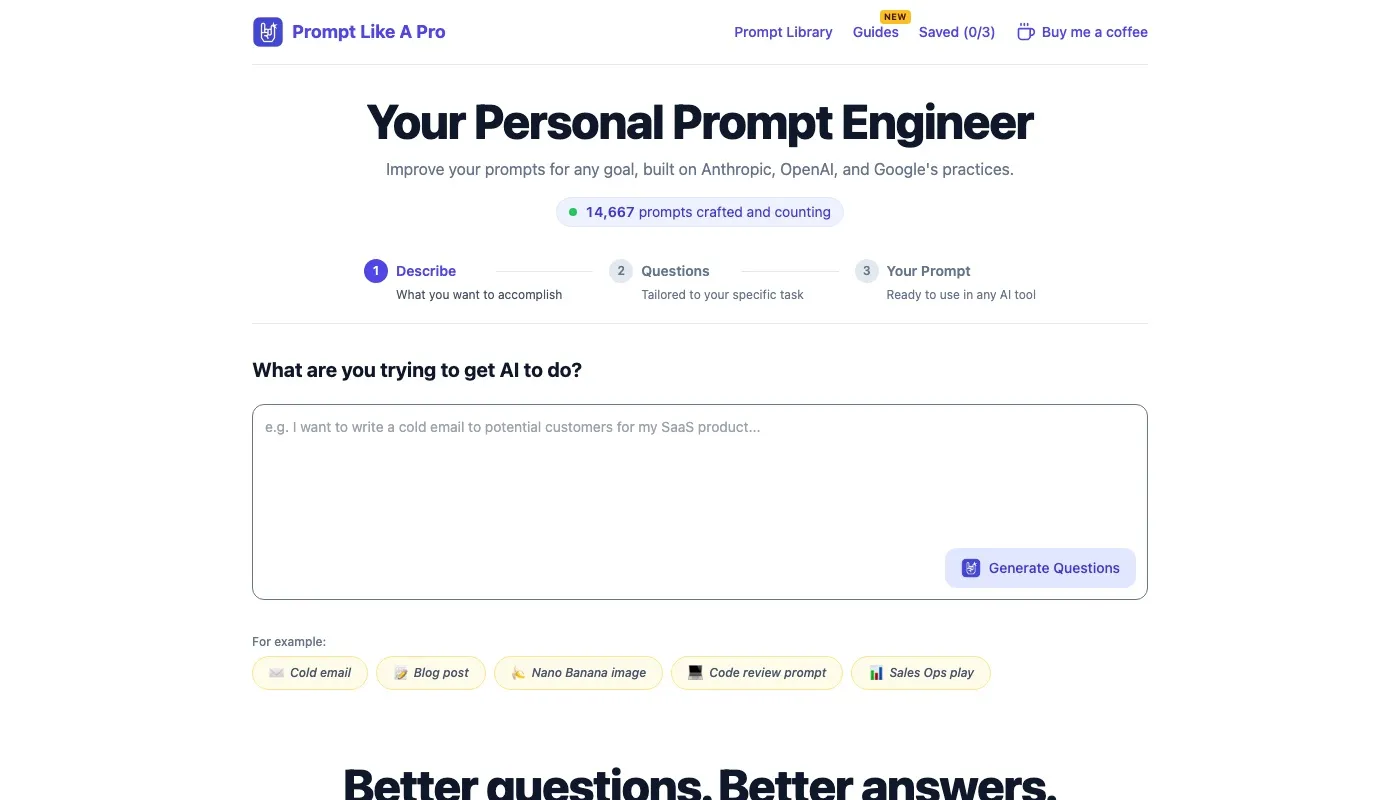
For a single chatbot prompt, a guided builder can be more useful than a developer playground. Prompt Like A Pro is a free, ad-free web app that turns a rough idea into a prompt for ChatGPT, Claude, Gemini, Midjourney, or another assistant. It asks about the audience, format, length, and limits, then gives you text to copy. The flow takes about 30 seconds.
The questions do useful work: they surface missing context before the model sees the request. A polished rewrite of a vague instruction cannot supply facts you have not provided.
What you pay and what it keeps
No account is required, and the core features have no paywall. The service says prompts are not stored on its servers; saved prompts stay in your browser. Three saves are free, with unlimited saves available for a one-time $7. Daily use limits apply. The site also offers a library of 223 prompts across 12 categories and short guides. It reports being featured on 16 directories, but publishes no awards or customer quotes.
OpenAI’s prompting guide recommends clear instructions, marked context, a named outcome, length, format, and style, plus an example. This builder follows a similar structure, giving you more than a one-line request to paste into a chat.
-
Best fit: Writers, marketers, students, founders, and developers who need a portable prompt for a chat tool.
-
Skip it when: Your job requires version control, team review, or scored tests inside an application.
-
Limit: A generated prompt may still miss task-specific details. Review it before using it for real work.
A longer prompt is not automatically better. Name the reader, format, and limit, then remove anything the task does not need.
2. AIPRM
AIPRM is a prompt library and browser extension. Templates cover marketing, sales, operations, writing, and similar jobs. Variables and profiles let you reuse a prompt with the same client or brand facts filled in. That helps a small team that repeats the same kind of brief.
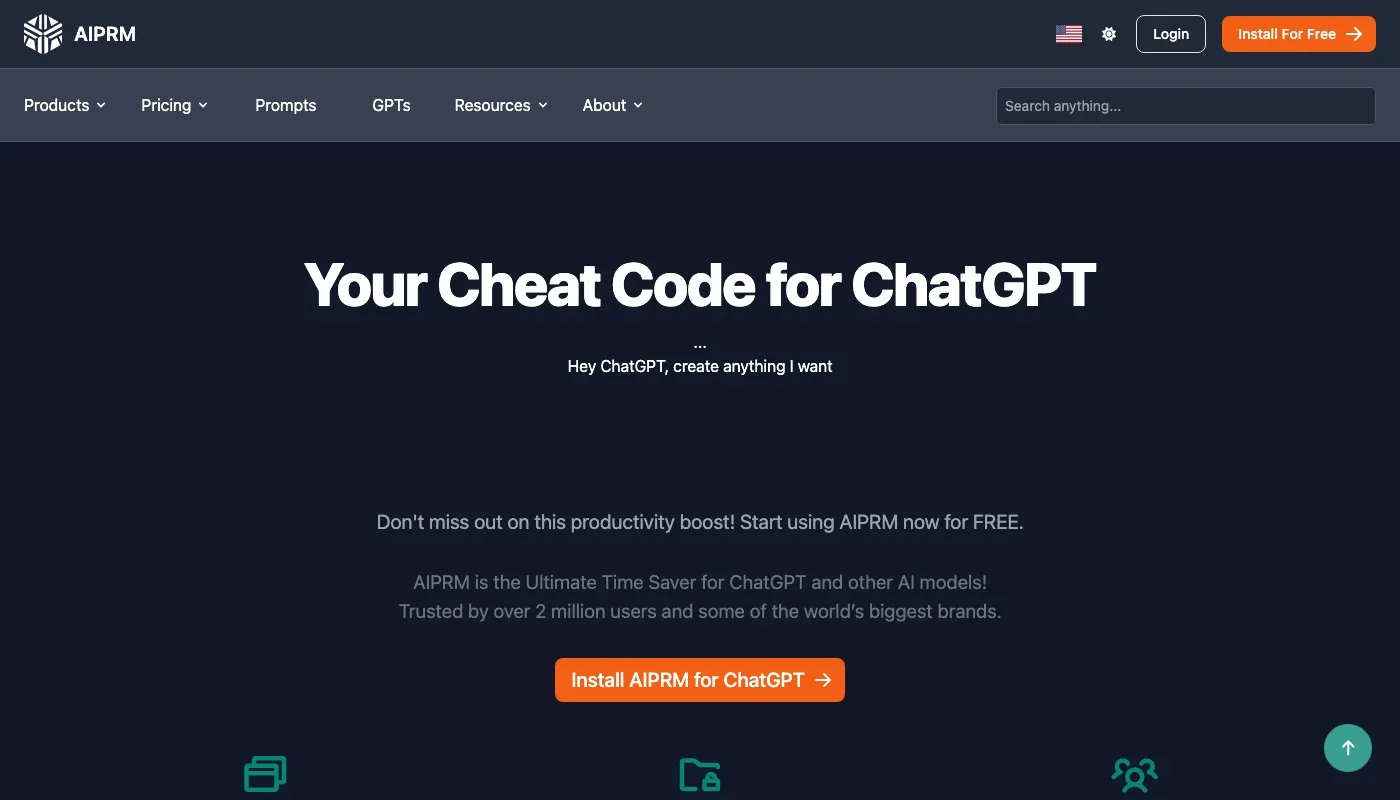
A free version has no time limit. Paid plans add quotas and extra features. Check the current price page before you assume a feature is included. The extension and Omnibox shortcut start a prompt from the browser. Templates also reach several generative tools, including image tools.
Community prompts are examples, not tested assets. AIPRM does not promise that a public template is maintained or accurate. You still have to adapt the wording to your facts. If you want a builder that asks for those facts instead of a catalog you browse, the guide to AI prompt builders is the closer match.
-
Account and privacy: A browser extension means you should read what it can see on the page before you paste client text.
-
Cost: Free to start. Premium limits change, so verify them on the site.
-
Breaks when: You treat a public template as finished copy.
3. PromptBase
PromptBase is a marketplace. You browse and buy prompt templates, and the site also advertises more than 4,500 free prompts plus an AI app builder that spends credits. Prompts are grouped by model and by kind of work. Listing guidelines push sellers toward prompts you can adapt, not one-off outputs.

It does not interview you. If the listing assumes a product, audience, or tone you do not have, you still write that part yourself. Quality swings by seller. A polished preview can hide a prompt that only works on the sample input.
The prompt library is a different bet: ready prompts you copy without a purchase, rather than a store.
-
Account and cost: Browsing can be free. Some prompts and the app builder need a purchase or credits.
-
Privacy: You are buying text, then you paste it into whatever model you use. The marketplace does not run that model for you.
-
Breaks when: You need the tool to notice a missing constraint before you pay.
Use it to study how other people structure a prompt. Do not use it as your only source of truth for a regulated task.
4. OpenAI Playground
OpenAI Playground is a workspace for people on the OpenAI API. You write reusable prompts with variables, publish versions, read history, roll back, and compare two versions side by side. An Optimize control can suggest edits, and you can tie a prompt to evaluations for manual tests.
That is useful when the prompt will ship inside a product. It is a poor fit when you only need text to paste into a chat window on another vendor. The workspace is OpenAI-only. Model calls bill as API usage, so a long test loop has a real cost. You need a platform account before any of this starts.
Compare two short versions on the same inputs. A clever rewrite that wins on one example often loses on the next five.
Playground shines when a developer and a subject expert can see what changed between versions. It does not replace a question flow for a one-off brief, and it will not tell you how the same words behave in Claude or Gemini.
5. Claude Console Playground
Anthropic’s Claude Playground lets you test prompts against Claude models with system instructions. You can read token use, raw requests, and raw responses, try tool definitions and structured outputs, then export the request as code. That map from prompt to API call is the point.
Anthropic says Playground drafts stay in the browser and are not stored on its servers. There is no prompt history and no evaluation suite in the current playground. You need a Claude Console account. API use can add charges on top of any chat plan you already pay.
It will not optimize a prompt for other providers. If your app is Claude-only, the code export saves a copy-paste step into the client. If you are writing a blog outline, this is more machine than you need. Token inspection is the habit worth keeping: a prompt that looks short in the box can still be expensive once the history and tools are attached.
6. Google Vertex AI Studio
Vertex AI Studio sits inside Google Cloud. You design and test prompts for Gemini and some third-party models on Vertex, browse a gallery of examples, compare outputs, and pull code for a prompt you already ran. A prompt assistant can draft or tighten the wording, with guidance on context, limits, examples, and output format.
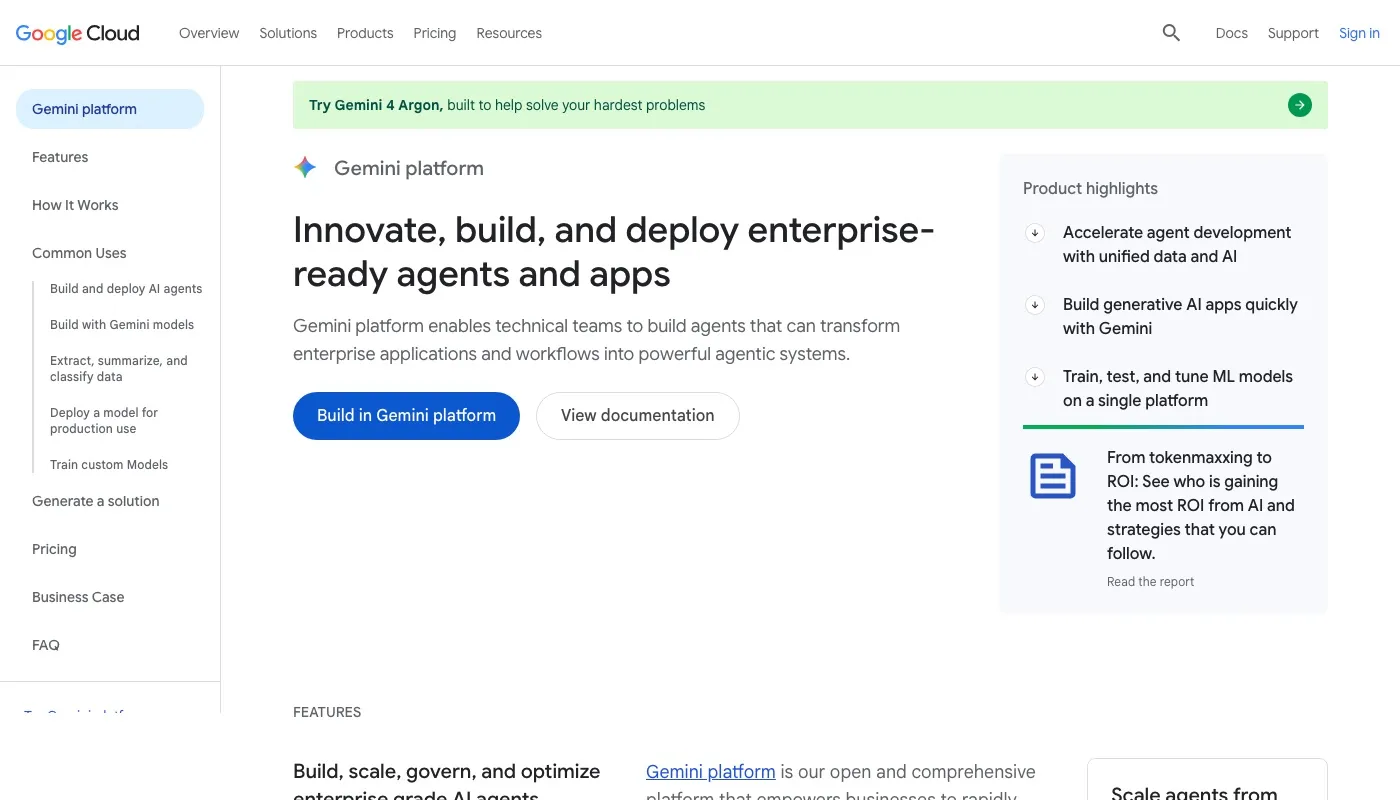
Setup is the tax. The documented quickstart wants a Google Cloud project and billing. That is normal for a cloud console and heavy if you only wanted a sentence to paste into a consumer chat. Once the project exists, comparing more than one model family in the same place is where the actual gain lies.
-
Best fit: Teams already on Google Cloud who will call Gemini from an app.
-
Account and cost: Cloud project plus billing. Model use is not free just because the studio UI is available.
-
Breaks when: You need a prompt you can carry to a non-Google chat tool with no cloud account.
7. PromptLayer
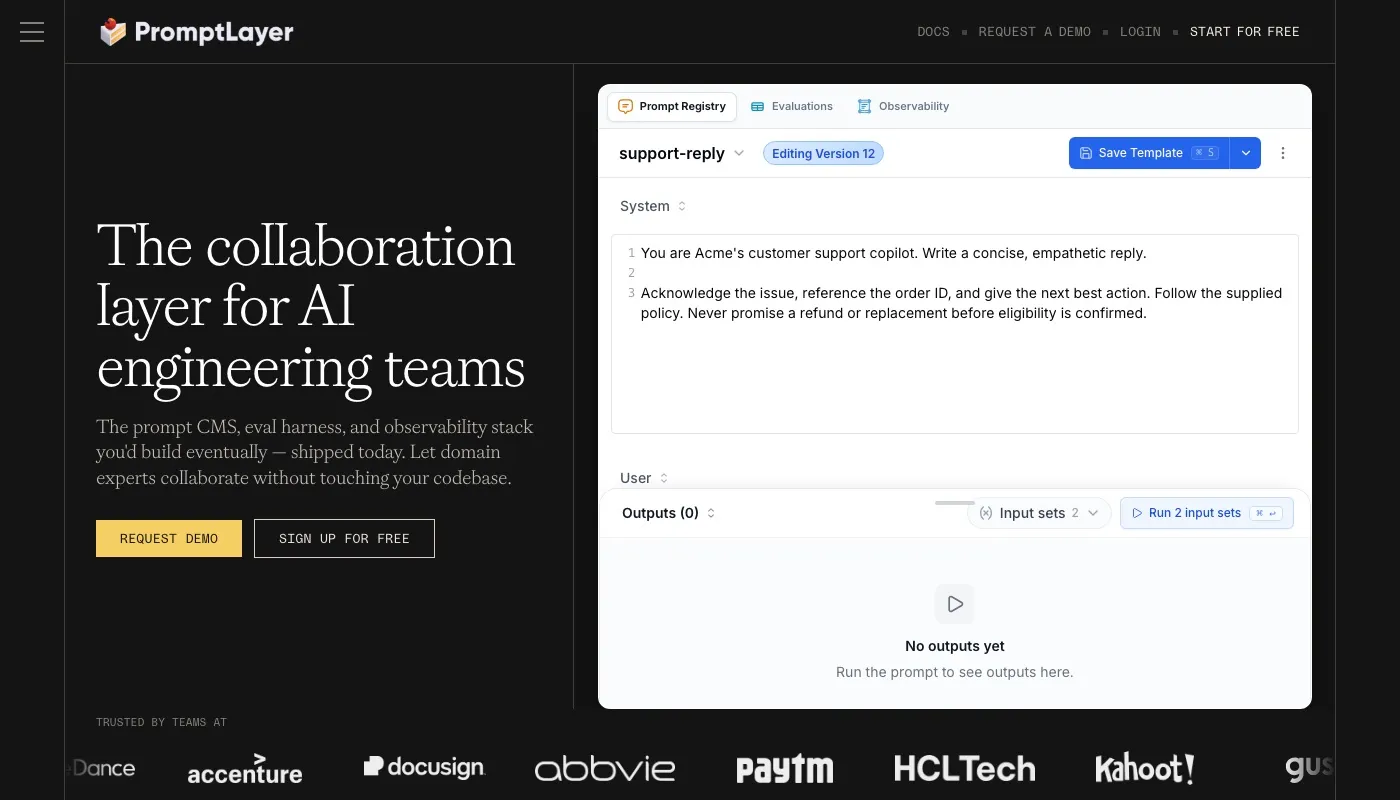
PromptLayer is prompt operations for teams that ship AI features. A shared registry keeps version history, comparisons, and release labels. A visual editor lets developers and non-developers change a prompt without a pull request for every word. Evaluations, regression tests, and A/B tests sit next to usage data such as cost and latency. SDKs and an API connect the registry to the app.
Gartner reported in 2024 that 25% of 644 surveyed organizations in the United States, Germany, and the United Kingdom used prompt engineering to customize generative AI for real use cases. A registry is how that work stays traceable once more than one person edits the text.
Shared workspaces and deploy tools are too much for a solo writer. Paid plans and usage overages show up as volume grows. Read the pricing page against your expected call count before you move production traffic.
8. Langfuse
Langfuse is an open-source LLM engineering platform. You version prompts, attach release labels, and test variants in a playground that covers variables, tool calls, and structured outputs. Experiments score prompts against datasets. Traces tie a prompt change to what the application did in practice.
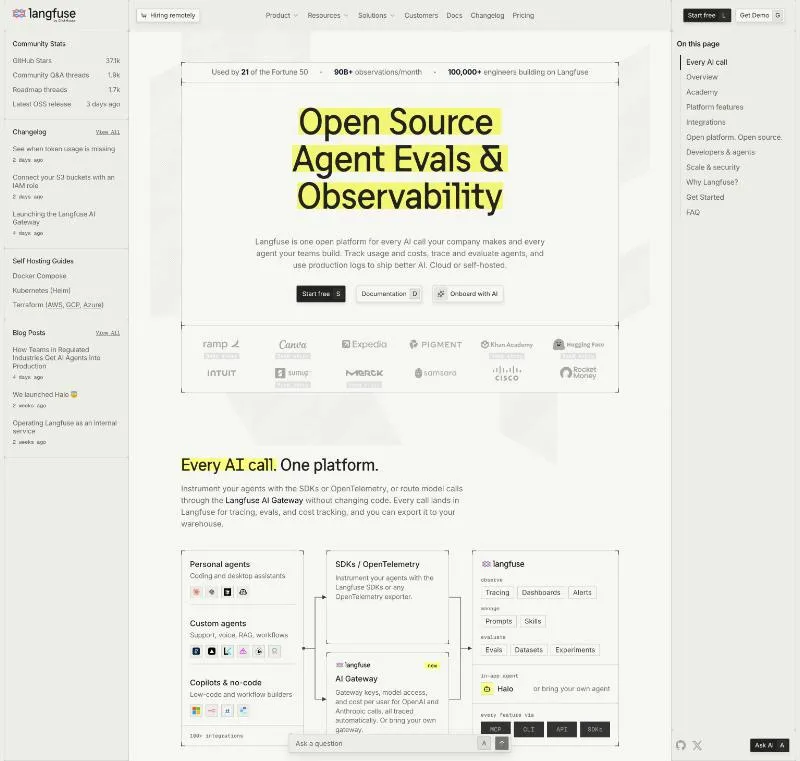
You can self-host it under the MIT license, which is the privacy lever many hosted tools do not offer. The cloud free tier still caps users, usage, and how long data is kept. Model calls and API keys stay outside Langfuse, so provider bills do not vanish because the platform is open source.
Setup demands more skill than a public form does. If nobody on the team can run a service and wire up traces, the playground features will sit unused. Side-by-side variant tests are the feature that justifies that setup, because a prompt that wins in chat often fails on the dataset you serve in production.
9. Promptfoo
Promptfoo is built for testing prompts inside an application, not just drafting them in a chat window. This open-source command-line tool and library lets you define input cases, compare providers in a results grid, score responses with assertions, and rerun checks in CI. It also tests applications for security failures. Supported providers include OpenAI, Anthropic, Google, and local models.
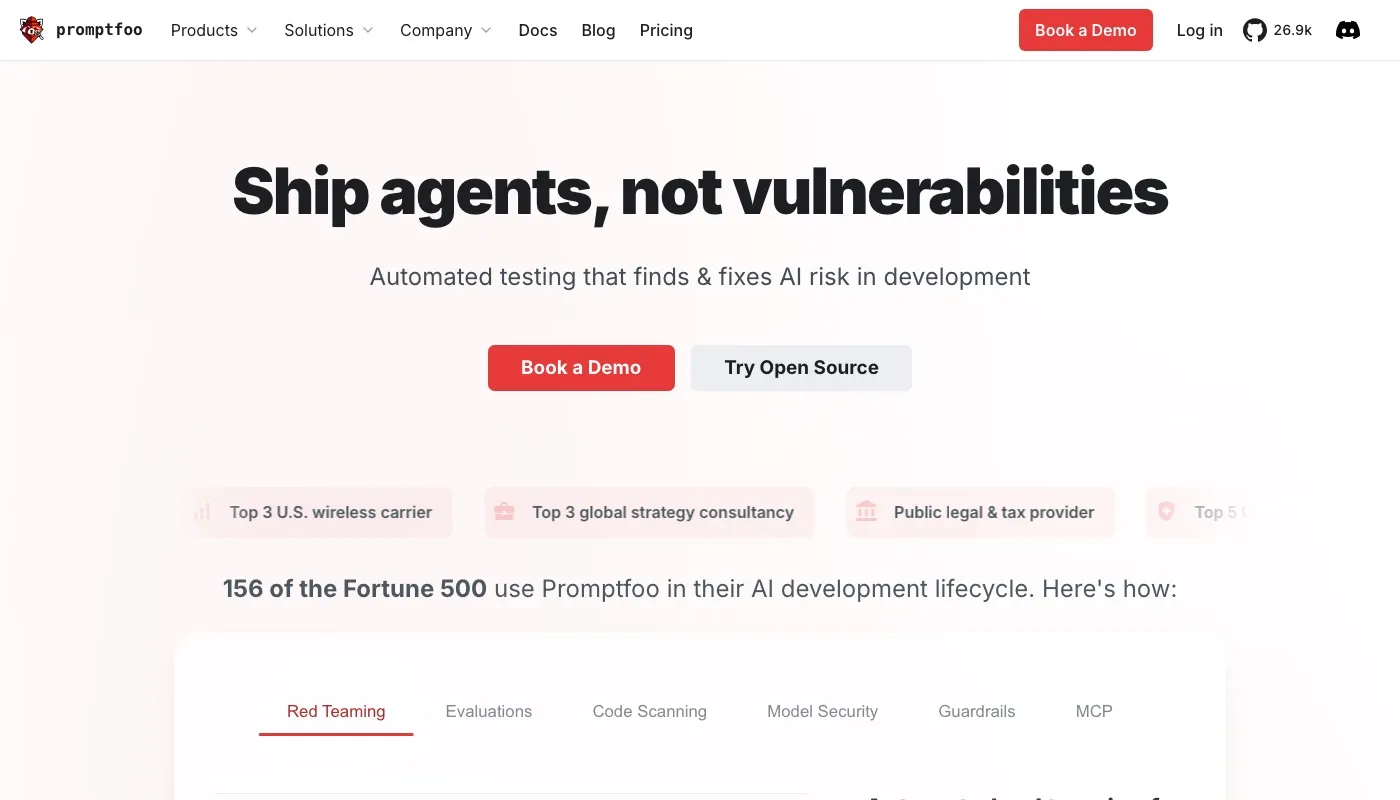
The Community edition is free and runs on your machine or a host you control. That suits teams who want evaluation data to stay local, provided they configure the setup accordingly. Cloud features may send evaluation data off your machine, so check the data path before using private cases. You still pay for model calls through the provider.
Promptfoo is useful when you can define expected behavior and turn it into repeatable tests. For example, assertion-based checks in CI can catch regressions after a prompt change. Without test cases, or someone to write and maintain them, the command-line setup adds work without much value. Choose it for application testing, not as a quick prompt-writing interface. A 2025 study of secure code generation examines how prompting relates to security, but Promptfoo’s practical value here is running your own tests against your own application.
10. Monica
Monica suits people who want to write prompts for a chatbot and handle everyday writing, research, or translation in one assistant. It runs on the web, desktop, mobile, and as a browser extension. Its Prompt Assistant and templates can help draft marketing copy, but they do not test how a prompt behaves inside an application.
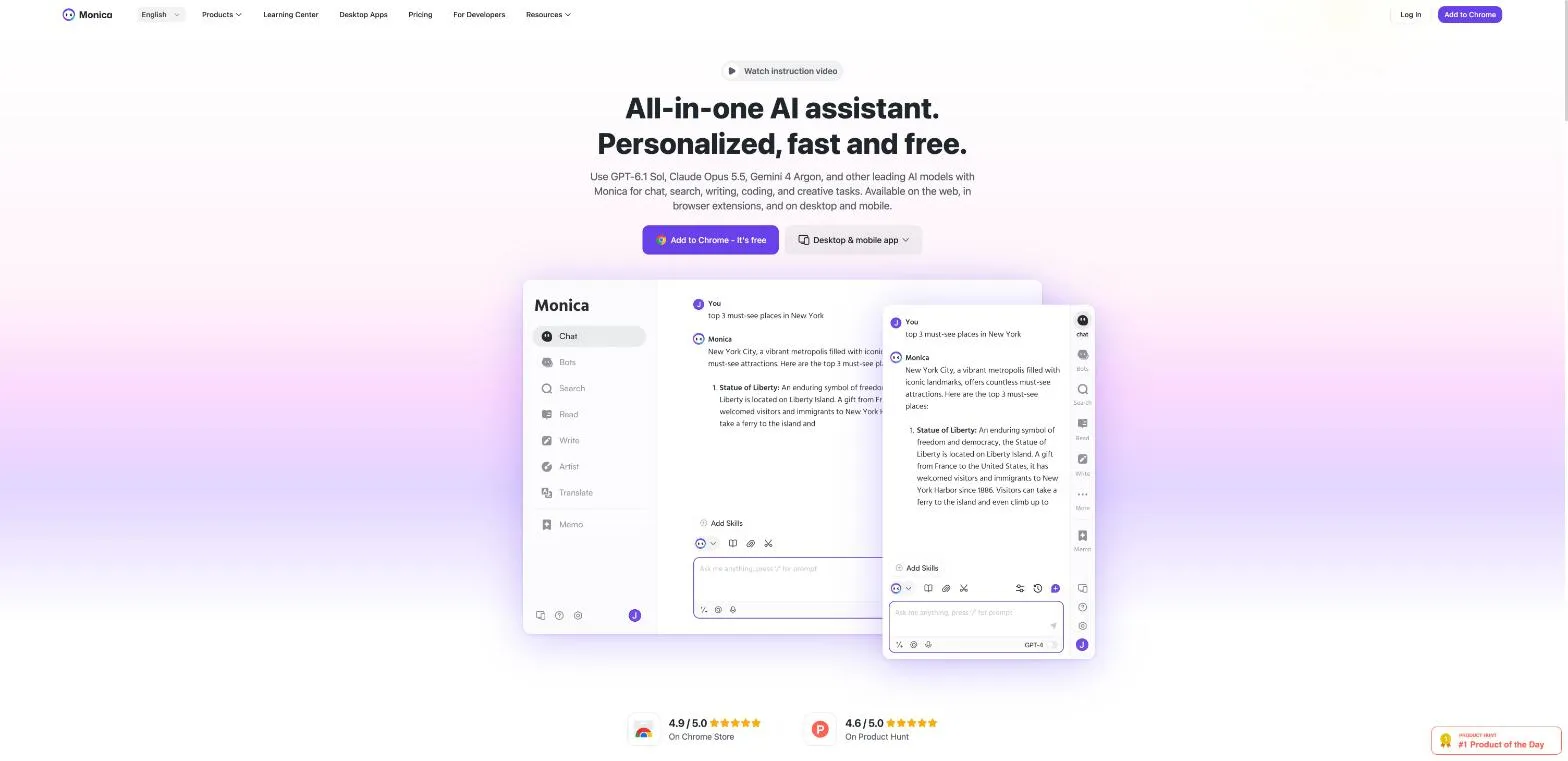
There is a free tier with daily limits, while advanced features may require a subscription. Account requirements, subscription prices, and the terms for handling prompts and other submitted data are not verified here. Check Monica’s current terms before using it with work or customer information. Browser assistants warrant that check: a 2025 study of generative-AI browser assistants found that some assistants shared identifiers and prompts with third-party trackers and inferred sensitive traits. The study does not establish that Monica does so.
Best fit: individuals who want a general-purpose assistant and prompt templates without setting up a development workflow. Skip it if you need prompt version control, repeatable application tests, or confirmed data-handling terms before entering sensitive information. For prompts that will run unattended, draft in Monica, then move them to a tool that can evaluate them in the target application.
How the ten tools differ on audience, setup, and cost
| Item | Best for | Account or setup | Cost model |
|---|---|---|---|
| Prompt Like A Pro (Recommended) | Building structured prompts with tailored follow-up questions | No account; browser-based, with local prompt saves | Free with daily limits; three saves included, unlimited saves for a one-time $7 |
| AIPRM | Browsing reusable prompt templates for common work tasks | Browser extension; choose and adapt templates | Free version; paid plans add features and quotas |
| PromptBase | Discovering and purchasing prompt templates | Browse the marketplace; no guided prompt-building process | Many free prompts; some templates and app-builder use require purchases or credits |
| OpenAI Playground | Testing prompts for OpenAI-powered applications | OpenAI API workspace; suited to development workflows | API usage charges apply |
| Claude Console Playground | Testing Claude prompts and API requests | Claude Console account required | API usage may incur charges |
| Google Vertex AI Studio | Designing and testing prompts in Google Cloud | Google Cloud project and billing setup required | Google Cloud billing applies |
| PromptLayer | Managing, testing, and deploying prompts with a team | Team workspace with SDK or API integration | Paid plans and usage-based overages |
| Langfuse | Managing and evaluating prompts for LLM applications | Cloud setup or technical self-hosting | Limited cloud free tier; model usage billed separately |
| Promptfoo | Evaluating prompts and LLM applications systematically | Developer setup; configure tests locally or in CI/CD | Free open-source Community version; model provider charges separate |
| Monica | Getting prompt help within a broader AI assistant | Account and app or browser extension setup | Free tier with daily limits; subscription for advanced features |
Match the Tool to the Job, Then Check the Fine Print
Choose a tool by the work it needs to do. Writing a prompt, testing it inside an application, and managing prompts across a team are different jobs. A template library will not validate production behavior, and a testing console is a poor place to browse ready-made prompts.
For chatbot writing, use a question-first generator or a template library. Prompt Like A Pro asks for missing details and formats them into a prompt. AIPRM and PromptBase help you browse examples, while Monica puts prompt assistance inside a broader AI assistant. Check whether you need an account and whether free access covers your use. These tools do not replace a test suite.
For application testing, start with the model provider you plan to use. OpenAI Playground lets you compare and revise prompts. Claude’s playground exposes the request, token use, and code export, and keeps drafts in the browser. Vertex AI Studio suits teams already using Google Cloud to build with Gemini. Each requires an account, and model use can incur charges. Check the provider’s data terms before testing with real inputs.
For prompts shared across a team or used in production, consider a registry or evaluation tool. PromptLayer tracks releases, tests, and cost. Langfuse adds traces and a self-hosting option. Promptfoo runs evaluations locally or in CI. These tools require someone to configure tests and monitor usage. Model-provider charges remain separate where applicable.
The Linux Foundation’s 2024 generative-AI research found prompt engineering in use at 70% of surveyed organizations using generative AI, compared with 49% for retrieval-augmented generation and 46% for fine-tuning. Nearly 80% of organizations using prompt engineering reported some gain over baseline, combining exceptional, considerable, moderate, and marginal gains. These findings do not guarantee results from any tool here. A separate OECD summary of about 450 professionals reported that generative-AI users completed writing tasks 40% faster on average, with quality rated 18% higher.
A reproducible benchmark found that structured prompting improved scores by about 6% on average across frontier and open models, and changed rankings on five of seven benchmarks. Gains came mainly from asking for intermediate steps; fancy optimizers added little. A 2025 study of software tasks grouped 14 techniques into six types and used structured checks to separate wording effects from real gains. Simform’s 2024 survey found that 53.7% of participants named prompt engineering as the top skill for running generative-AI projects. A University of Maryland taxonomy listed 58 text-only techniques and 40 for other modalities. You do not need to adopt them all. Keep the prompt that passes your own cases.
Before using a tool for real work, read its privacy terms, confirm whether an account is required, and estimate the cost using a week of typical usage. More detailed prompts can produce better answers, but they can also expose more information. Remove customer, employee, and confidential data before pasting it into a service.
Prompt Like A Pro turns a rough task into a structured prompt by asking questions, then formats it for ChatGPT, Claude, Gemini, Midjourney, and other assistants. Its free generator can help you draft prompts without a developer account or server-side prompt storage. Use Prompt Like A Pro to supply the context the model needs.
Ready-made prompts for this
Build yours with the wizard
Prompt Like A Pro asks a few questions about your task, then writes a complete prompt for ChatGPT, Claude or Gemini. Free, no signup.
Make a prompt →Read next

AI Prompt Design: Principles, Templates and Tests
AI prompt design made practical: the six parts of a strong prompt, reusable templates, and a simple way to test a prompt before you trust it.
Read the guide →