
10 Writing Prompts Worksheets and Tools
Not every prompt tool is a worksheet, and that’s the first mistake people make when they shop for writing prompts worksheets. A printable page for a class period, an editable worksheet generator, a prompt spinner, and a structured AI prompt tool solve different problems. The best choice depends on the age group, the teaching context, the output you want, and whether you’re trying to get students writing or trying to get better prompts for ChatGPT, Claude, Gemini, Midjourney, or another assistant.
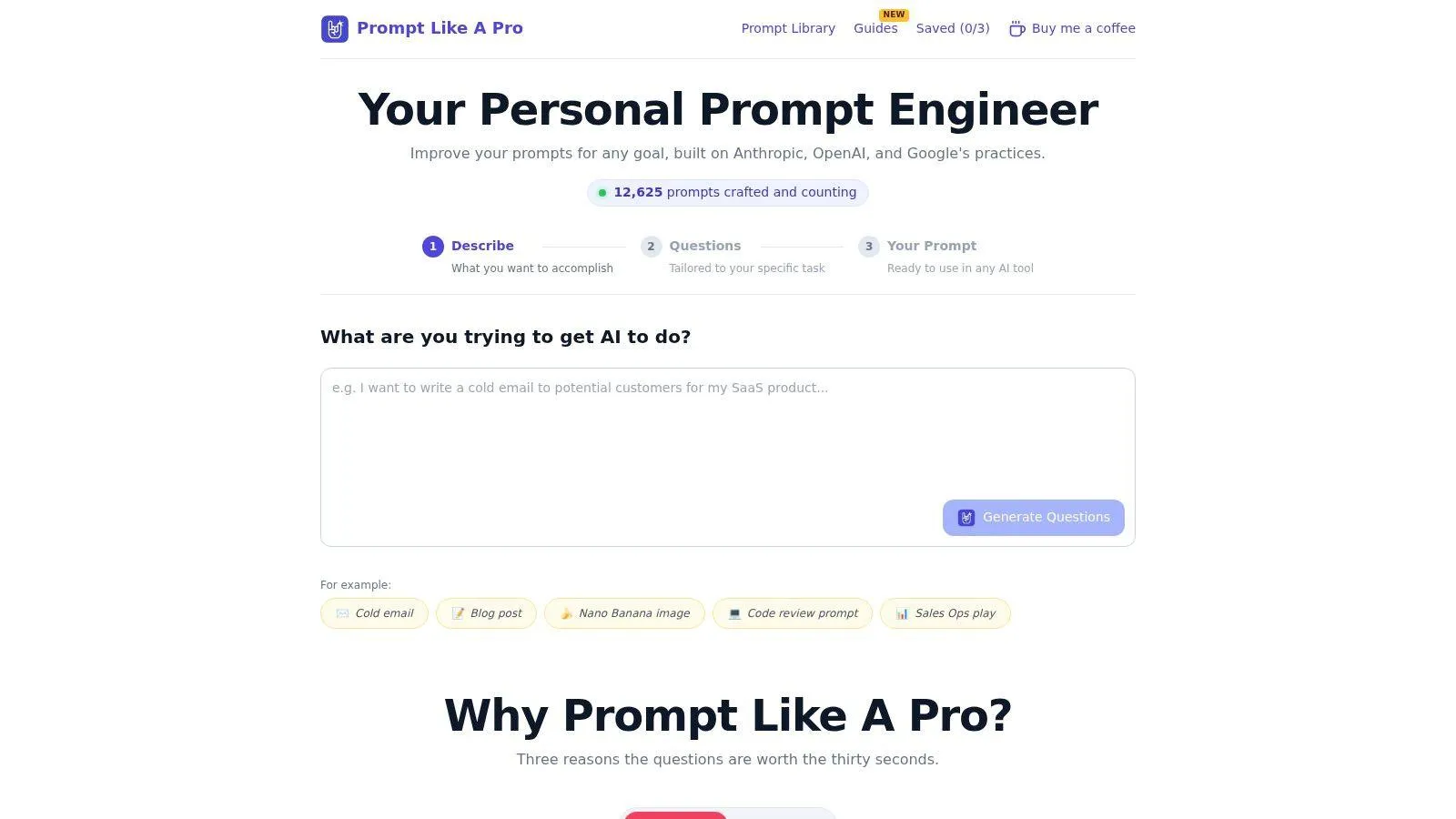
Prompt Like A Pro doesn’t offer downloadable worksheets or download counts. It does offer a free Prompt Library that people copy, plus a generator that asks about the task before it writes anything, so the prompt starts with the work, not with vague guesswork. That matters here because prompt building is not the same as choosing a classroom printable.
I’m comparing these tools by intended use, workflow, customization, printing or export, access limits, and the trade-offs that show up in classrooms, writing sessions, and AI workflows.
Table of Contents
- 1. Prompt Like A Pro
- 2. Twinkl Printable Writing Prompts Collection
- 3. Education.com Writing Worksheets
- 4. Super Teacher Worksheets Writing Prompts and Organizers
- 5. Scholastic Story Starters
- 6. ReadWriteThink Printable Prompt Organizers and Lesson-Linked Printouts
- 7. Journal Buddies Free Printable Prompt PDFs by Grade
- 8. WorksheetGen AI-Generated Writing Worksheets
- 9. 101 Planners Writing Prompt Generator
- 10. Classeem Free Writing Prompts Generator
- Top 10 Writing Prompt Worksheets Comparison
- Choose the Worksheet That Fits the Work
1. Prompt Like A Pro
Prompt Like A Pro is the clearest choice if you want a prompt tool that behaves like a good writing coach. Instead of handing you a blank box, it asks targeted questions about the task, the audience, the format, the tone, and other constraints before it generates a structured prompt for the AI you plan to use. That questions-first flow is useful because it front-loads the context that is commonly overlooked, which usually means fewer weak drafts and less back-and-forth.
The platform also treats the target AI as part of the job, not an afterthought. It supports structured output for tools such as ChatGPT, Claude, Gemini, and Midjourney, and the Claude guidance specifically uses XML-style tags like <instructions>, <context>, and <input> to reduce misinterpretation by separating content types, which is a sensible pattern when precision matters (Claude prompt engineering best practices). The public Prompt Library gives you ready-to-use prompts across categories, and that works well when you need a strong starting point fast.
Practical rule: If you already know the task but keep getting muddy AI output, a questions-first generator is more useful than a prompt spinner.
A few features matter in day-to-day use. There’s no signup, no server-side prompt storage, and saved prompts stay local in your browser. The free tier includes three local saves, and a one-time $7 payment removes that limit. The project is self-funded, ad-free, and offers support at hello@promptlikea.pro, plus a privacy policy and terms.
The advantage is fit. Writers, marketers, developers, students, product managers, and content teams can all use the same workflow, because the generator adapts to the task instead of forcing every request into one generic format.
Pros
- Questions-first structure: Captures missing context before drafting.
- Model-aware prompts: Adjusts the output to the AI you’re using.
- Low friction: No account, no ads, no server-side storage.
- Useful library: Ready-to-use prompts cover many common workflows.
Cons
- Local saves only: Cross-device convenience is limited unless you export or access more saves.
- Not a printable worksheet library: It’s a prompt workflow, not a classroom handout catalog.
Website: Prompt Like A Pro
2. Twinkl Printable Writing Prompts Collection
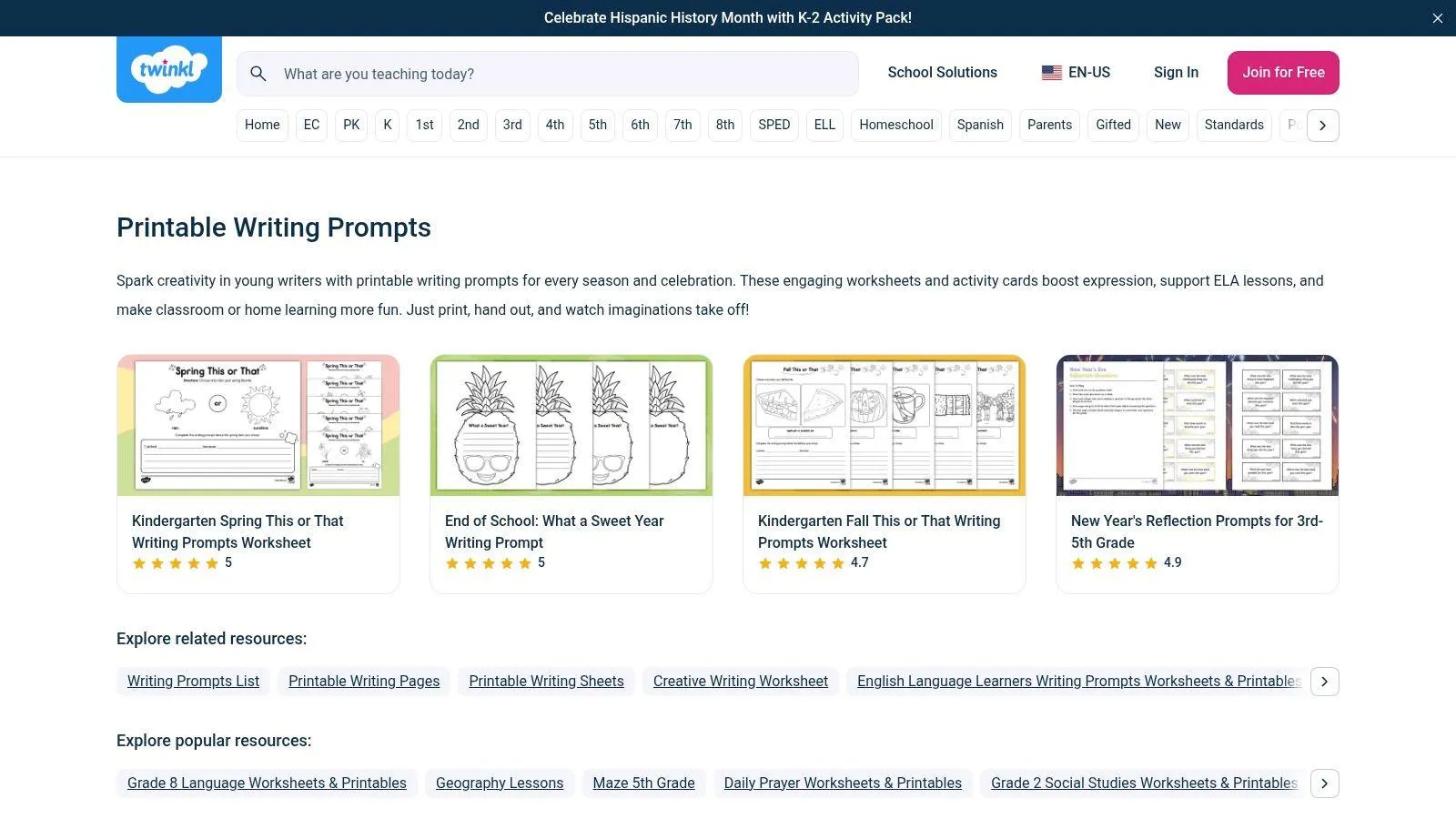
Twinkl is the better fit when you want a large, classroom-ready library of printable writing prompts worksheets with strong visual consistency. Its collection leans heavily into grade-banded sheets, seasonal packs, and thematic prompt pages, which makes it easy to grab something that feels classroom-ready without building it from scratch. The platform also tags materials with standards references such as Common Core, TEKS, and B.E.S.T., which helps teachers who want the prompt page to match a broader plan.
The workflow is straightforward. You browse, filter, print, and use. That simplicity matters in classrooms where a teacher needs a clean handout for a writing center, a sub plan, or a quick seasonal activity. Black-and-white print options are useful too, because they keep copying costs and toner use under control.
Twinkl’s strength is breadth, not novelty. It gives you a consistent library for elementary and early middle school use, with enough variety to cover narrative, opinion, reflective, and themed writing without making the teacher assemble multiple pieces. The trade-off is access. The richest parts of the library sit behind a paid plan after the free content runs out, so it’s not the best answer if you need unrestricted printing.
Best for
- Elementary teachers: Especially K to 5.
- Seasonal classroom planning: Quick access to themed pages.
- Standards-conscious lessons: Helpful when alignment matters.
Less useful for
- Older students: Secondary coverage is not the main focus.
- One-off free use: You may hit the paywall fast if you print often.
Website: Twinkl Printable Writing Prompts Collection
3. Education.com Writing Worksheets
Education.com is strongest when you need a deep worksheet library that spans PreK through grade 8 and doesn’t lock you into one prompt style. Its writing section includes creative, narrative, and argument-oriented materials, plus grade-level hubs that help teachers move quickly from broad browsing to a specific worksheet set. That makes it a practical middle ground between a traditional printable library and a mixed digital worksheet platform.
The best part of the workflow is flexibility. You can use printable PDFs when you want a paper handout, or switch to interactive worksheet modes when students are working digitally. That helps in classrooms that split time between paper and devices, or when a teacher wants a backup format without rebuilding the lesson. It also gives you a way to keep the same skill focus while changing the delivery method.
The main limitation is access. The free plan only allows a small number of content downloads each month, so regular users will feel the restriction quickly. Some people also find the move into Premium less intuitive than it should be, which can slow down what should be a simple printing task.
Education.com works best for teachers who want a large catalog and don’t mind a tiered system. It’s less appealing if you want a single-use printable site with no friction at all.
A deep library is useful only if you can reach the page you need without fighting the interface.
Website: Education.com Writing Worksheets
4. Super Teacher Worksheets Writing Prompts and Organizers
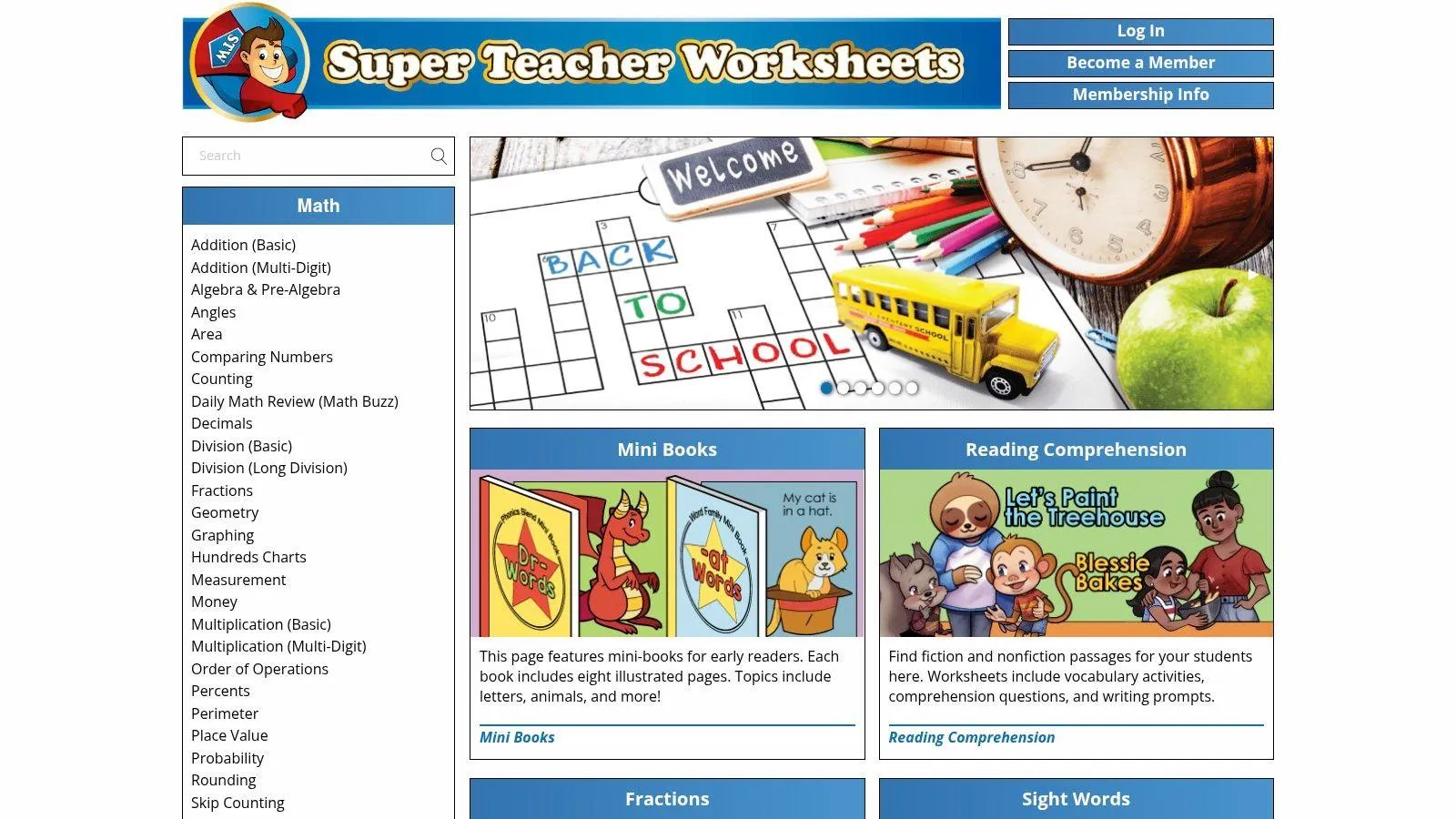
Super Teacher Worksheets is the kind of site teachers keep bookmarked because it gets out of the way. The layouts are plain, the PDFs are easy to photocopy, and the writing resources are built for quick classroom use instead of flashy browsing. If you need writing prompt pages, story starters, or graphic organizers that can survive a hurried print job, this is a solid utility tool.
That no-frills approach is the point. The worksheets are designed for clean copying, and that matters more than people admit. When a handout is clear on paper, students spend less time decoding the page and more time writing. Teachers who print a lot will also appreciate that the format doesn’t waste space or ink.
The trade-off is obvious. This is mostly an elementary resource, and it doesn’t try to feel modern or highly customized. If you want a polished worksheet builder, this won’t scratch that itch. If you want a dependable pile of printable materials for K to 6, it does the job.
It’s also a good reminder that not every writing prompts worksheets resource needs to reinvent the format. Sometimes the best tool is the one that prints cleanly, fits the lesson, and doesn’t demand extra setup.
Pros
- Copy-ready layouts: Clean photocopying matters in busy classrooms.
- Low-cost access: Good value for regular print users.
- Organizers included: Useful when students need structure, not just a topic.
Cons
- Elementary-heavy: Secondary coverage is limited.
- Older feel: It’s practical, not trendy.
Website: Super Teacher Worksheets
5. Scholastic Story Starters
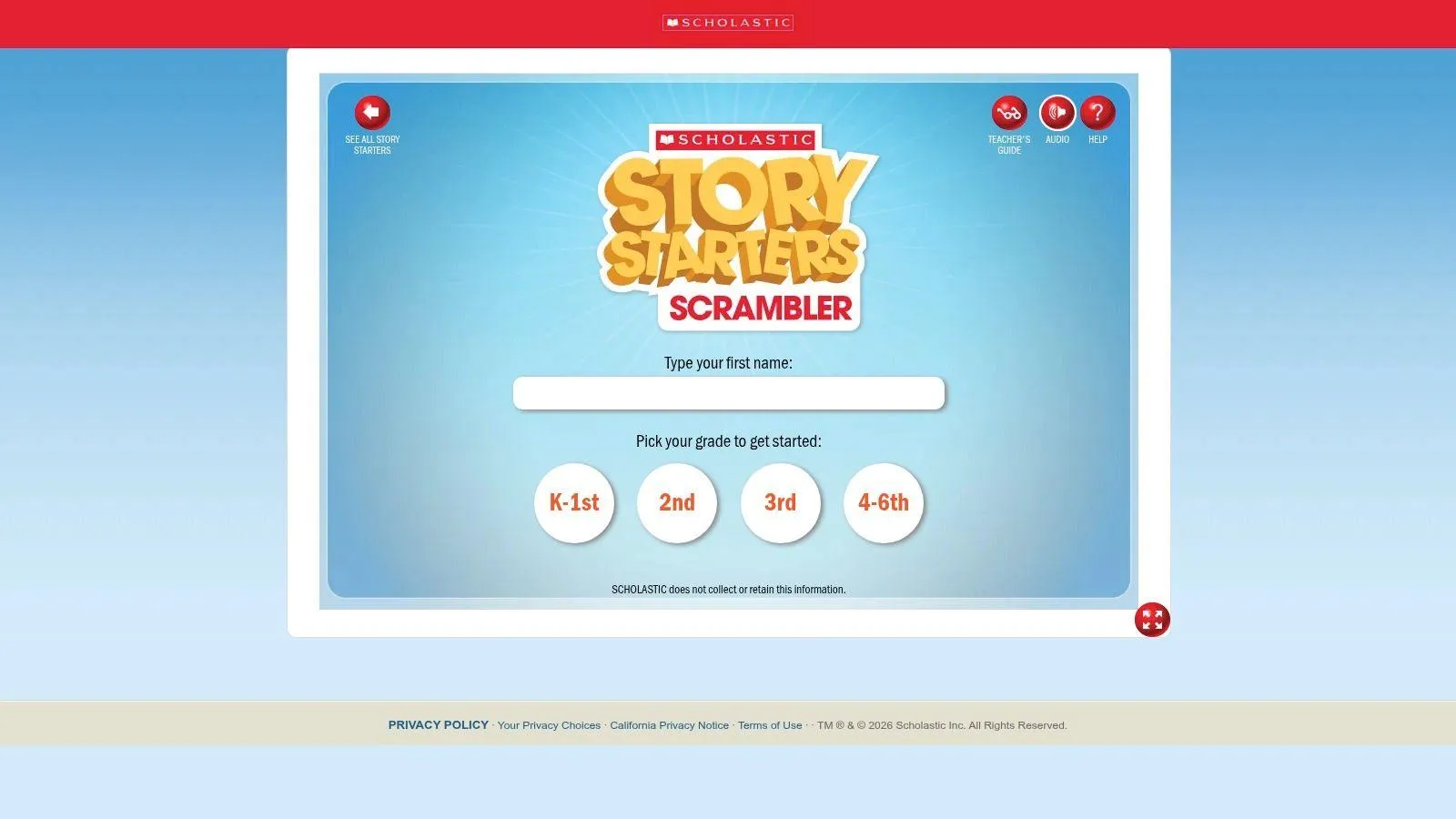
Scholastic Story Starters is the most playful tool on this list, and that’s exactly why elementary teachers like it. The spin-the-wheel interface turns prompt selection into an event, which gives hesitant students a lower-stakes way to start writing. It also groups prompts by grade band, so the experience feels age-appropriate instead of random.
The best use case is warm-ups and daily quick writes. Students get a prompt, a theme, and a printable story page, then they can move straight into composing. That makes it a strong fit for short class sessions where you need immediate engagement, not a long browsing process. The tool also stays free, which lowers the barrier for teachers who want to test it before using it in class.
The limitation is control. You trade some alignment and precision for fun. If you need a tightly mapped rubric, a genre-specific packet, or a prompt sequence tied to a larger unit, a full worksheet library gives you more control. Story Starters is better at getting kids to start than at guiding a long instructional arc.
For younger students, that’s often enough. The spinner reduces friction, the printable output supports follow-up writing, and the mood stays light enough that reluctant writers don’t shut down before they begin.
Fun matters when the real problem is getting the first sentence onto the page.
Website: Scholastic Story Starters
6. ReadWriteThink Printable Prompt Organizers and Lesson-Linked Printouts
ReadWriteThink is what you use when you care about pedagogy as much as the prompt itself. The site gives you research-aligned lessons, printable handouts, and organizers such as the RAFT Writing Template, which means the worksheet usually arrives attached to a teaching purpose. That structure helps when you don’t want a loose printable, you want a prompt that fits a lesson sequence.
Its biggest strength is adaptability. The materials work across elementary and secondary levels, and the printouts support multiple genres and response formats. Teachers who like to scaffold writing from planning to drafting to revision will find more to work with here than on a site that only offers standalone prompt pages.
The trade-off is time. You usually have to browse, assemble, and adapt. That’s not a problem if you’re building a solid lesson, but it’s slower than grabbing a single worksheet from a smaller printable library. The site is free, though, which keeps it attractive for teachers who value quality over speed.
ReadWriteThink is the best fit when the worksheet needs to live inside a larger instructional design. If you’re only after a quick prompt page for tomorrow morning, a more direct generator may be easier.
Website: ReadWriteThink
7. Journal Buddies Free Printable Prompt PDFs by Grade
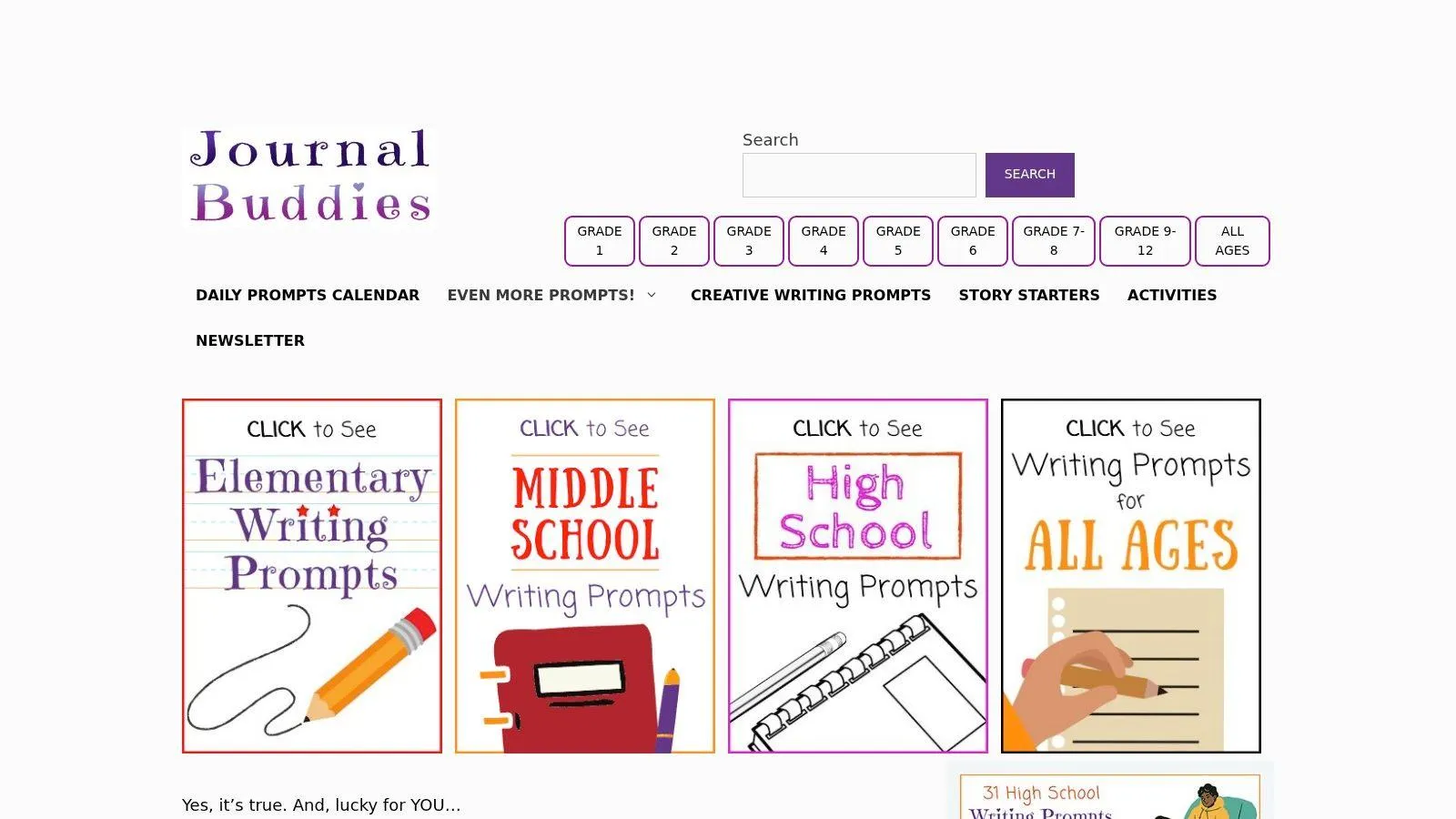
Journal Buddies is a good fit when you want prompt sheets fast, free, and without signup friction. The site offers large collections of grade-specific prompts and printable PDFs for elementary, middle, and high school use. That range makes it handy for journaling, quick-writes, and low-prep classroom warm-ups.
The practical appeal is simple. You can land on a themed set, print it, and move on. That’s useful when the goal is not a polished curriculum packet, but a stack of prompt pages that get students writing today. The site’s blog-style structure also makes it feel less formal than a library platform, which some teachers like and others won’t.
There’s also a useful internal connection here for anyone thinking beyond student worksheets. The tone and structure of a prompt matter, and the same principle shows up in AI prompt work. A clear prompt frame can improve the result just as much as a clear classroom worksheet, which is why a structured prompt tool can be more useful than a generic idea list. For a good example of that mindset, see how to calibrate the tone of your writing.
The downside is control. The pages are simple, the metadata is limited, and the browsing experience is more casual than a purpose-built worksheet library. Still, if you need free printable prompt grids quickly, Journal Buddies does the job.
Website: Journal Buddies
8. WorksheetGen AI-Generated Writing Worksheets
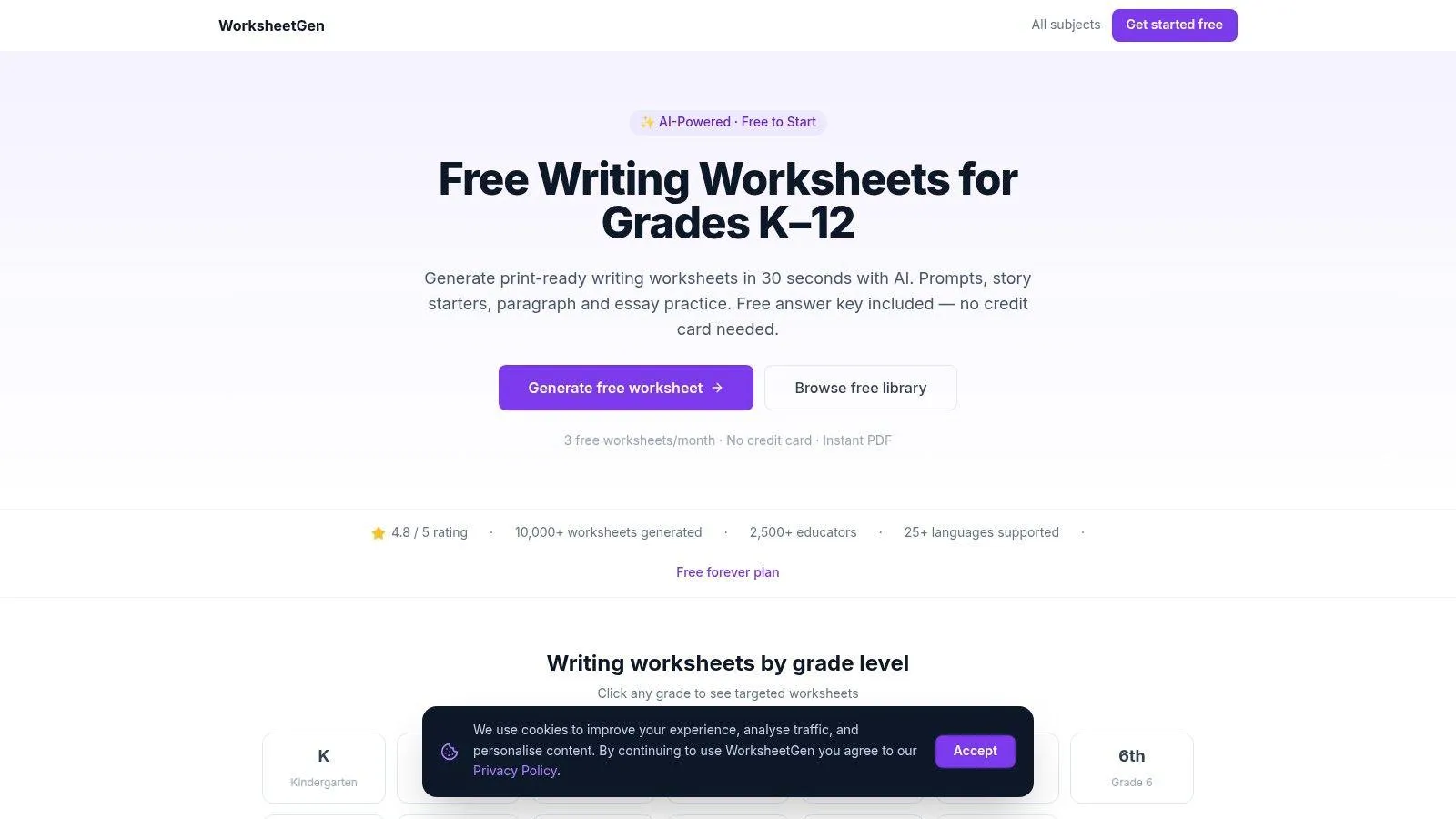
WorksheetGen is the right pick when you want editable writing worksheets on demand instead of browsing a static library. It generates K to 12 worksheets with story starters, paragraph practice, and essay practice, then lets you export the result to PDF or Word. That makes it especially useful for teachers who want to tailor a worksheet to a specific grade, topic, or classroom need without starting from scratch.
The workflow is fast. You choose the parameters, let the system build the worksheet, then review and adjust before use. That speed is valuable, but it comes with the standard trade-off of AI-generated materials, which is quality variation. A teacher still needs to check the prompt wording, the examples, and the difficulty level before printing.
The paid structure is also part of the equation. A free plan exists, but it is capped, so frequent users will eventually need a higher tier. That won’t bother someone who only needs occasional custom sheets, but it matters if you produce worksheets regularly.
WorksheetGen sits in a useful middle space between a library and a generator. You get customization and export, but you don’t get the polished depth of a curated curriculum resource.
Website: WorksheetGen Writing Worksheets
9. 101 Planners Writing Prompt Generator
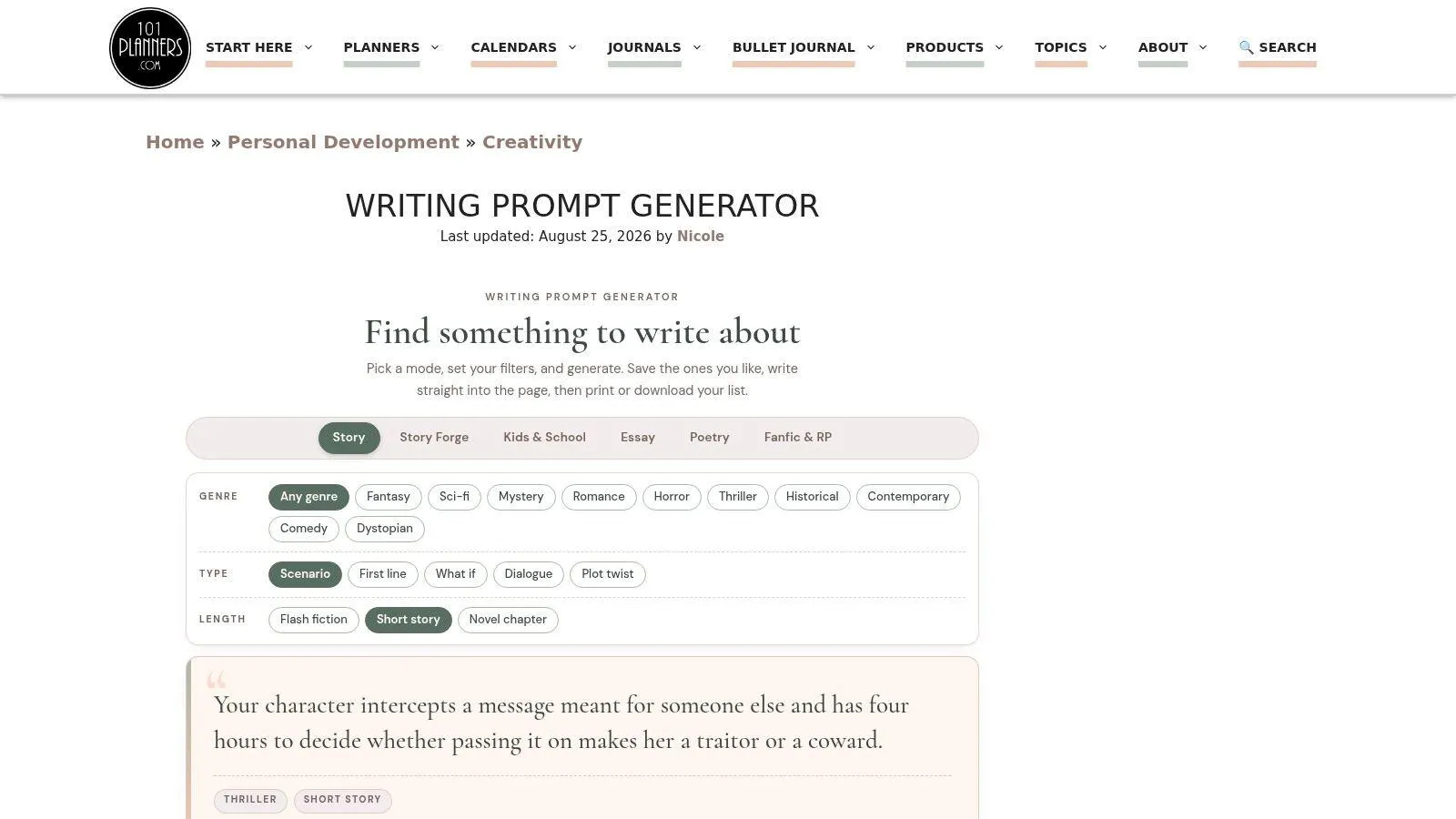
101 Planners is useful when you want to make your own prompt worksheet without touching a login wall. It’s a free, no-signup generator with genre and age filters for fiction, poetry, essays, fanfic, and school use. You can work inside the page, save and print your prompts as a worksheet, and keep moving.
That makes it a strong low-friction choice for writers and teachers who value immediacy. The in-page writing pad and autosave are practical, and the sprint timer gives the tool a bit of structure without forcing a full curriculum setup. Since nothing you write is uploaded, it also feels privacy-friendly in a way that matters to many users.
The limitation is scope. This is a generator, not a classroom library. You make the set you want, then print it, which is great if you know what you need and less helpful if you want a broad bank of ready-made pages with standards tags.
One useful angle here is how prompt building changes when the goal shifts from classroom printouts to AI output. A good writing prompt worksheet gives a student enough structure to begin. A good AI prompt should do the same thing for a model, except the structure has to account for the tool you’re writing for. For a strong example of that workflow, see generate high-signal ideas for any topic.
Website: 101 Planners Writing Prompt Generator
10. Classeem Free Writing Prompts Generator
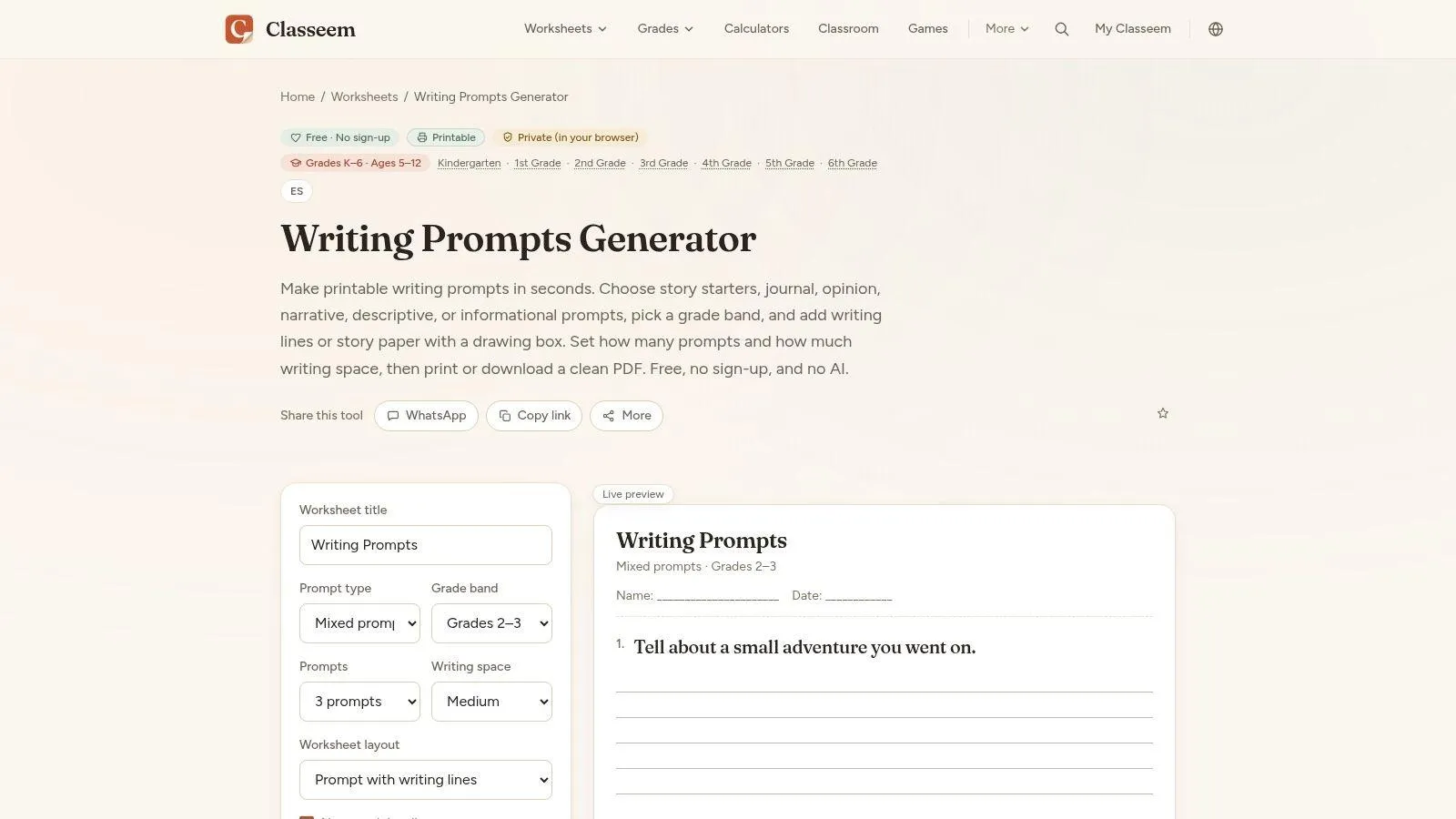
Classeem is a browser-based prompt generator that behaves more like a worksheet engine than a content library. It assembles original, tagged prompt banks into printable layouts, including prompt lists, prompts with lines, story paper with a drawing box, and journal pages. The generation happens on-device, which keeps the process fast and avoids the friction of signup or uploads.
The layout choice is the primary selling point. A teacher can print a prompt list for one activity, a lined page for another, and a story-paper format for younger writers who need more visual space. That flexibility makes Classeem handy for centers, warm-ups, and sub plans where the format matters as much as the prompt itself.
Its main limitation is browsing depth. Because it’s a generator rather than a large catalog, you don’t browse a sprawling library the way you would on a platform like Twinkl or Education.com. It also leans more toward elementary and middle grades than high school, so secondary teachers may need something more specialized.
Still, the combination of on-device generation, clean PDF output, and multiple classroom-friendly layouts makes it a strong print-first tool for teachers who want to build, print, and use quickly.
Website: Classeem Free Writing Prompts Generator
Top 10 Writing Prompt Worksheets Comparison
| Tool | Core features | UX / Quality ★ | Price / Value 💰 | Target audience 👥 | Unique selling points ✨ |
|---|---|---|---|---|---|
| 🏆 Prompt Like A Pro | 5–7 clarifying Qs, model-aware structured outputs, 223‑prompt library, local saves | ★★★★☆, consistent, model-ready | 💰 Free core; 3 local saves free, one‑time $7 unlock for unlimited saves; ad‑free | 👥 ChatGPT/Claude/Gemini users, writers, devs, students | ✨ Questions‑first workflow; model-specific formatting; privacy‑first (no server storage) |
| Twinkl, Printable Writing Prompts | Hundreds grade‑banded PDFs, standards tags, seasonal packs | ★★★★☆, polished, classroom‑ready | 💰 Freemium; many downloads require subscription | 👥 K–5 teachers (U.S. K–8 focus) | ✨ Standards‑aligned packs and eco print options |
| Education.com, Writing worksheets | Thousands PreK–8 worksheets, interactive mode, grade hubs | ★★★☆☆, deep catalog, some paywall friction | 💰 Basic free (limited downloads); Premium subscription | 👥 PreK–8 teachers & parents | ✨ Interactive worksheet mode + extensive grade hubs |
| Super Teacher Worksheets | K–6 printable prompts, story starters, graphic organizers | ★★★★☆, reliable, copy‑ready | 💰 Low‑cost membership; some free sheets | 👥 Elementary teachers who print frequently | ✨ Affordable, photocopy‑optimized layouts |
| Scholastic Story Starters | Interactive spinner generator by grade band, printable pages | ★★★★☆, fun, highly engaging for kids | 💰 Free | 👥 Elementary students & teachers | ✨ Playful “spin the wheel” interface for quick‑writes |
| ReadWriteThink | Research‑aligned lessons, RAFT template, downloadable handouts | ★★★★☆, pedagogy‑strong, versatile | 💰 Free | 👥 K–12 teachers (strong for middle/high) | ✨ Lesson‑linked, research‑backed templates and organizers |
| Journal Buddies | Hundreds grade‑specific prompt PDFs and prompt grids | ★★★☆☆, fast and free, simple design | 💰 Free | 👥 Teachers & students for journaling and quick‑writes | ✨ Truly free printable prompt PDFs through high school |
| WorksheetGen | AI‑generated worksheets, export to PDF/Word, editable outputs | ★★★☆☆, rapid but quality varies; needs review | 💰 Freemium; limited free plan, paid tiers for more | 👥 Teachers needing on‑demand, editable worksheets | ✨ AI‑driven generation with instant export and answer keys |
| 101 Planners, Writing Prompt Generator | No‑signup generator, genre/age filters, in‑page writing pad, sprint timer | ★★★★☆, zero friction, handy writer tools | 💰 Free | 👥 Writers, students, casual creators | ✨ Built‑in writing pad, sprint timer, local autosave |
| Classeem, Prompt Generator | On‑device seeded shuffle, multiple printable layouts, grade controls | ★★★★☆, clean, toner‑friendly PDFs | 💰 Free | 👥 Elementary/middle teachers for centers & sub plans | ✨ Deterministic/seeded prompts, runs locally with clean PDF output |
Choose the Worksheet That Fits the Work
If you need ready-made, grade-banded printouts, start with the established libraries. Twinkl gives you a broad classroom catalog with consistent formatting, Education.com gives you depth across PreK to 8, and Super Teacher Worksheets gives you clean, dependable printables that are easy to copy. If you want lesson-linked organizers, choose ReadWriteThink, because the prompt materials live inside a stronger teaching framework.
If speed and cost matter more than catalog browsing, Journal Buddies is a practical free source for prompt grids, Scholastic Story Starters is the best pick for elementary engagement, and WorksheetGen, 101 Planners, or Classeem make sense when you want to customize and print your own set instead of digging through a library. The common thread is workflow. Some tools help you browse, some help you generate, and some help you teach.
For readers refining prompts for AI rather than preparing student worksheets, Prompt Like A Pro is the relevant workflow. You answer questions about the task, audience, format, constraints, and target AI, then review and adapt the generated prompt. That matters because prompt quality depends on context, and the right structure for Claude is not always the right structure for ChatGPT or Gemini.
Before you choose, check the same basics every time, age or audience, prompt type, alignment, editability, printing, access limits, privacy, and whether you still need to review the generated material before use. The best tool is the one that matches the job, not the one with the flashiest promise.
Prompt Like A Pro helps you build clearer prompts by asking about the task, audience, format, constraints, and the AI you plan to use before it writes anything. If you’re comparing writing prompts worksheets, this is the same discipline in a different form, better structure up front, better output at the end. Visit Prompt Like A Pro to try the free Prompt Library and generator for yourself.
Build yours with the wizard
Prompt Like A Pro asks a few questions about your task, then writes a complete prompt for ChatGPT, Claude or Gemini. Free, no signup.
Make a prompt →